This Pro tutorial provides the steps to conditionally output elements depending on the currently logged-in user’s role.
Step 1
Create a section Template having the content you wish to output for users having a specific role.
Sample name of a Template for author user role: Author User Role Content
Edit and build it with Bricks.
Step 2
Add the following in your child theme’s functions.php:
// Function to check user role in WordPress
function bl_check_user_role( $role ) {
	if ( is_user_logged_in() ) {
		$user = wp_get_current_user();
		if ( in_array( $role, (array) $user->roles ) ) {
			return true;
		}
	}
	return false;
}
Step 3
Edit the Page/Template where you would like to show the conditional content.
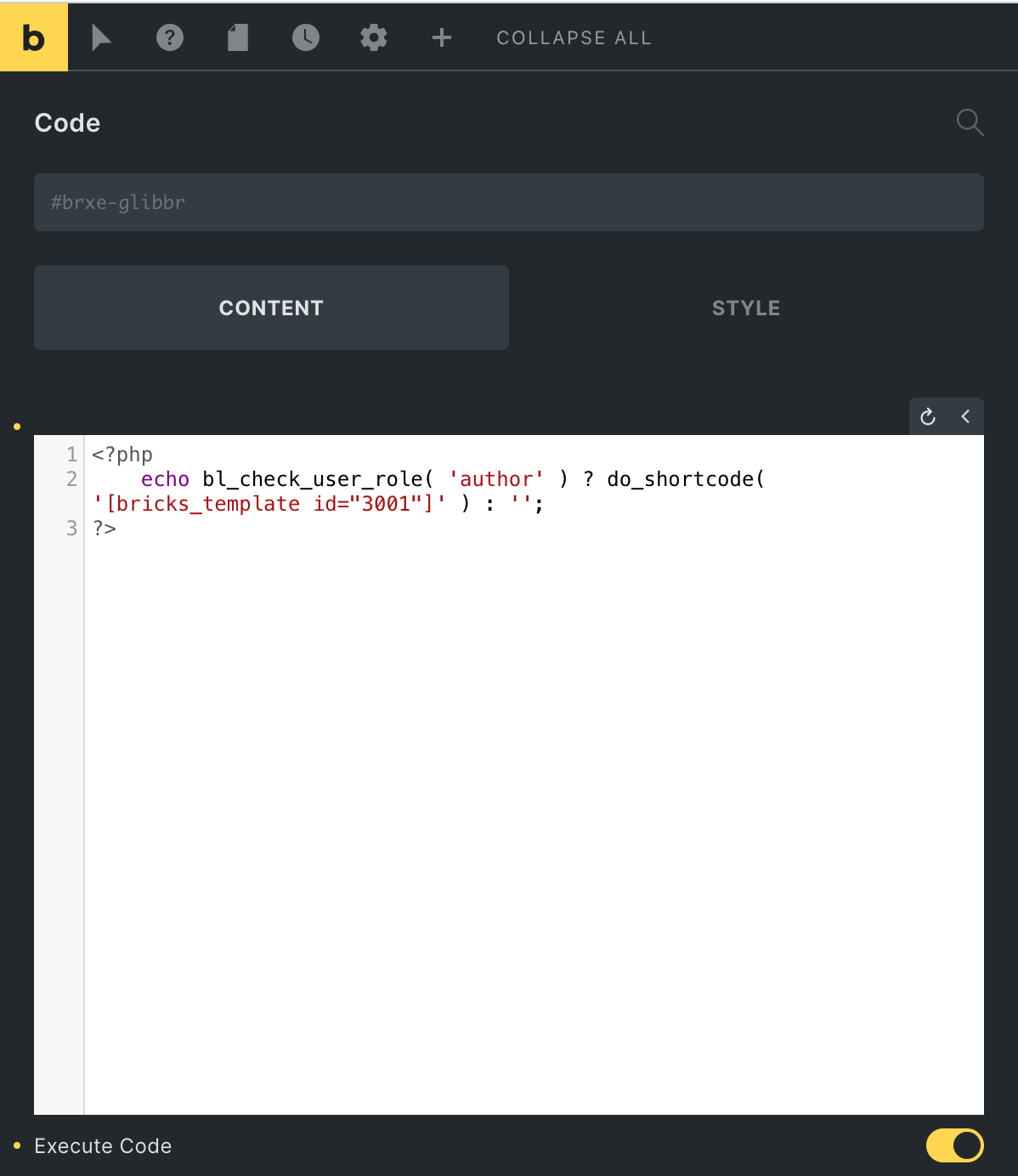
Add a Code element having:
<?php
	echo bl_check_user_role( 'author' ) ? do_shortcode( '[bricks_template id="3001"]' ) : '';
?>
The above code will output the section Template having the ID of 3001 only for users that have author user role.
Replace author with the name of the user role to check against.
These are the standard built-in user roles:
- administrator
- editor
- author
- contributor
- subscriber
Replace 3001 with the ID of your section Template.
References
https://wordpress.org/support/article/roles-and-capabilities/