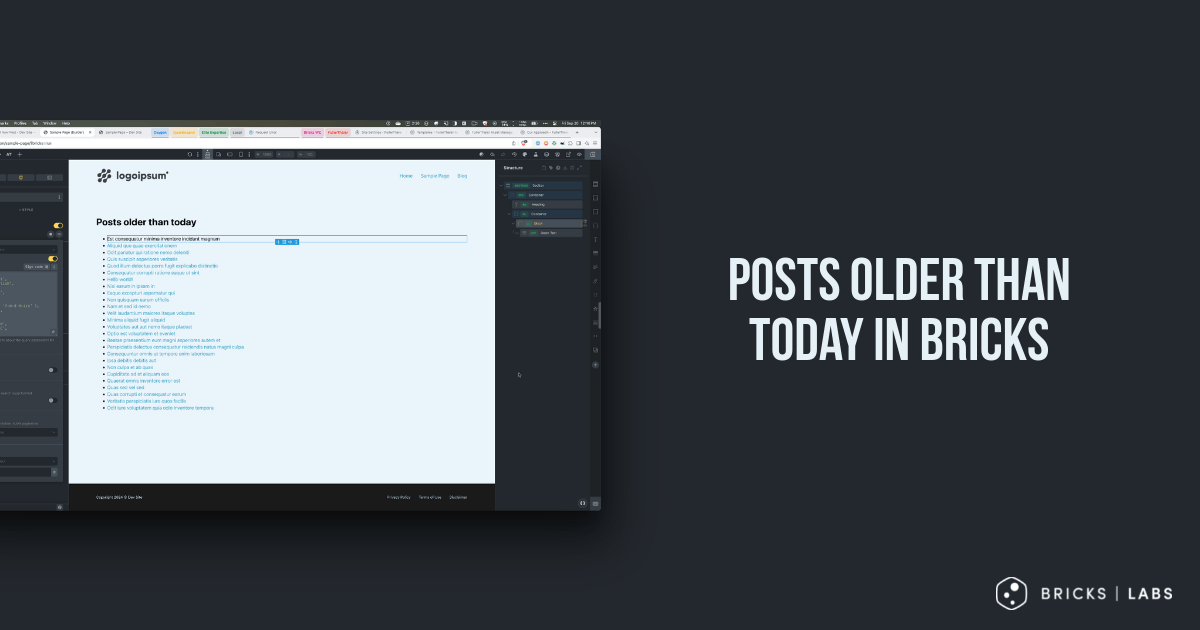
Looking to show posts that were published before today in a Bricks posts query loop?
This Pro tutorial shows how this can be done using WordPress’ date_query query parameter.
Set up a query loop in your Bricks Page/template.
Click the query icon and enable PHP query editor.
Paste:
$args = [
  'post_type'      => 'post',
  'post_status'    => 'publish',
  'posts_per_page' => 1,
  'fields'         => 'ids',
  'date_query'     => [
    [
      'before'    => date( 'Y-m-d H:i:s' ),
      'inclusive' => false,
    ],
  ],
  'orderby'        => 'date',
  'order'          => 'DESC',
];

$query = new WP_Query( $args );

return $query->have_posts() ? array_merge( $args, ['posts_per_page' => -1] ) : [ 'post__in' => [ 0 ], ];
We are checking to see if there is one past post and if so, returning all the past posts. If there’s none, an array indicating that there are no posts will be returned.
This should help in applying the query results count condition if needed.