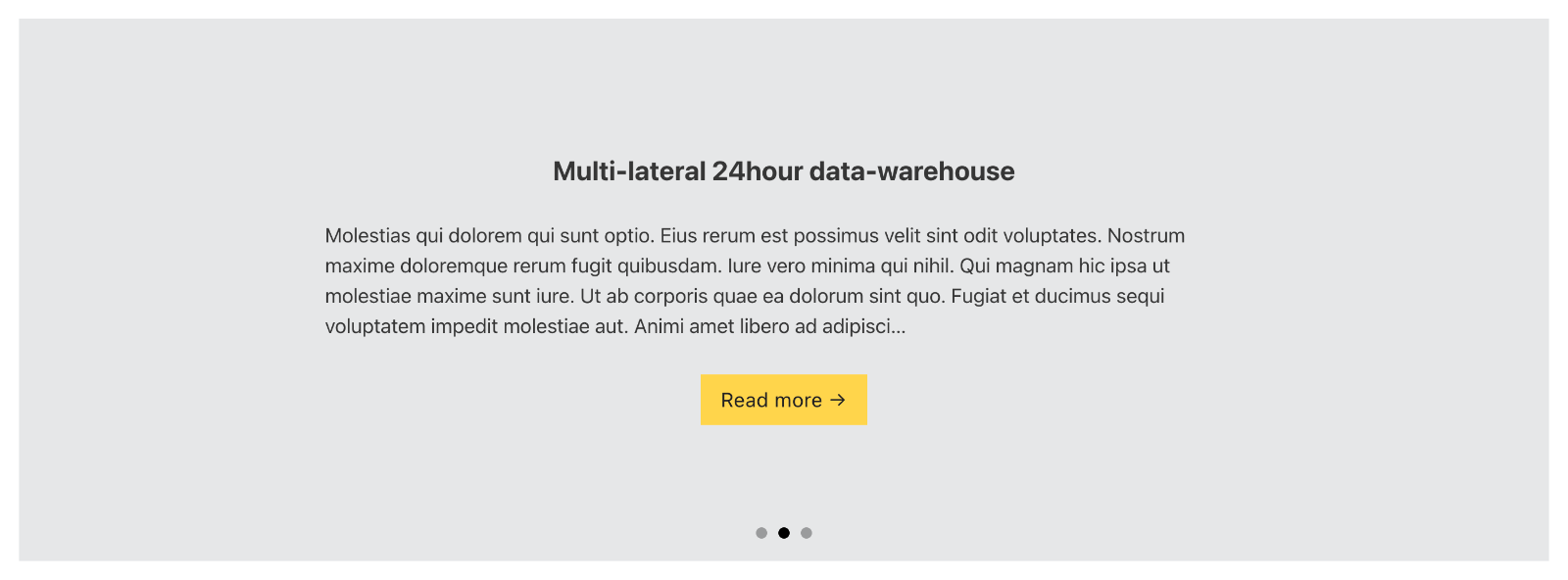
This Pro tutorial provides the steps to modify the query parameter of a Bricks query loop to display slides of posts that are related to entries of a CPT via a Meta Box Relationship field.
Scenario:
CPT: featured-article
Meta Box Relationship: post-featured-articles
from featured-article to post
Requirement:
Show the post title, post excerpt and a button linking to the post’s permalink of all unique posts that are connected to the items of Featured Article CPT as slides in Bricks’ nestable slider on a static Page (say, the homepage).
Step 1
Install and activate Meta Box and its AIO extensions.
Create the Featured Article CPT having a slug of featured-article.
Step 2
Create a Relationship titled say, “Post — Featured Articles” from Featured Article to Post.
Do not tick “Reciprocal relationship”.

Relationships in Meta Box are bi-directional by default unlike in ACF Pro which needs a separate plugin or code snippet.
Step 3
Create Featured Article CPT entries and select 1 or more related posts for each.

Step 3
Edit your homepage (or any other static Page/template) with Bricks.
Add a Section and inside its Container, a Slider (Nestable) element.
Apply this Dynamic data condition on the Section to ensure that it gets output only if there’s at least 1 post that has been selected as a related/connected item for any featured article.

{echo:bl_get_count_posts_related_to_featured_articles}
We shall define this custom function in a bit.
Delete Slides 2 and 3.
Enable query loop on Slide 1. Do not set any query parameters in the builder.
Add a Heading, Basic Text and Button elements inside the Slide 1.
Change Heading’s text to:
{post_title}
Change Basic Text’s text to:
{post_excerpt}
Change Button’s text to Read more →
Link type: Dynamic Data
{post_url}
Step 4
Add the following in child theme‘s functions.php or a code snippets plugin:
// Function to get the posts related to featured articles.
function bl_get_posts_related_to_featured_articles() {
	$featured_articles = get_posts( [
		'post_type' => 'featured-article',
		'fields' => 'ids',
		'posts_per_page' => 20, // set this to a large number to get all the posts
	] );

	// array to hold the posts related to featured articles
	$related_posts = [];

	// loop through all the featured articles and get the posts related to them
	foreach ( $featured_articles as $featured_article ) {
		$posts = MB_Relationships_API::get_connected( [
			'id'   => 'post-featured-articles', // the relationship ID
			'from' => $featured_article,
		] );

		// store the IDs of the posts related to featured articles
		foreach ( $posts as $p ) {
			$related_posts[] = $p->ID;
		}
	}

	// remove duplicate IDs
	$related_posts = array_unique( $related_posts );

	return $related_posts;
}

// Function to get the count of posts related to featured articles.
function bl_get_count_posts_related_to_featured_articles() {
	$posts = bl_get_posts_related_to_featured_articles();

	return count( $posts );
}

// Set the posts to be output for the specified query loop.
add_filter( 'bricks/posts/query_vars', function( $query_vars, $settings, $element_id ) {
	// only target nnphir element_id and if there is at least 1 post related to featured articles
	if ( $element_id !== 'nnphir' || bl_get_count_posts_related_to_featured_articles() === 0 ) return $query_vars;

	$query_vars['post__in'] = bl_get_posts_related_to_featured_articles();

	return $query_vars;
}, 10, 3 );
Replace nnphir with the Bricks ID of your query loop element.