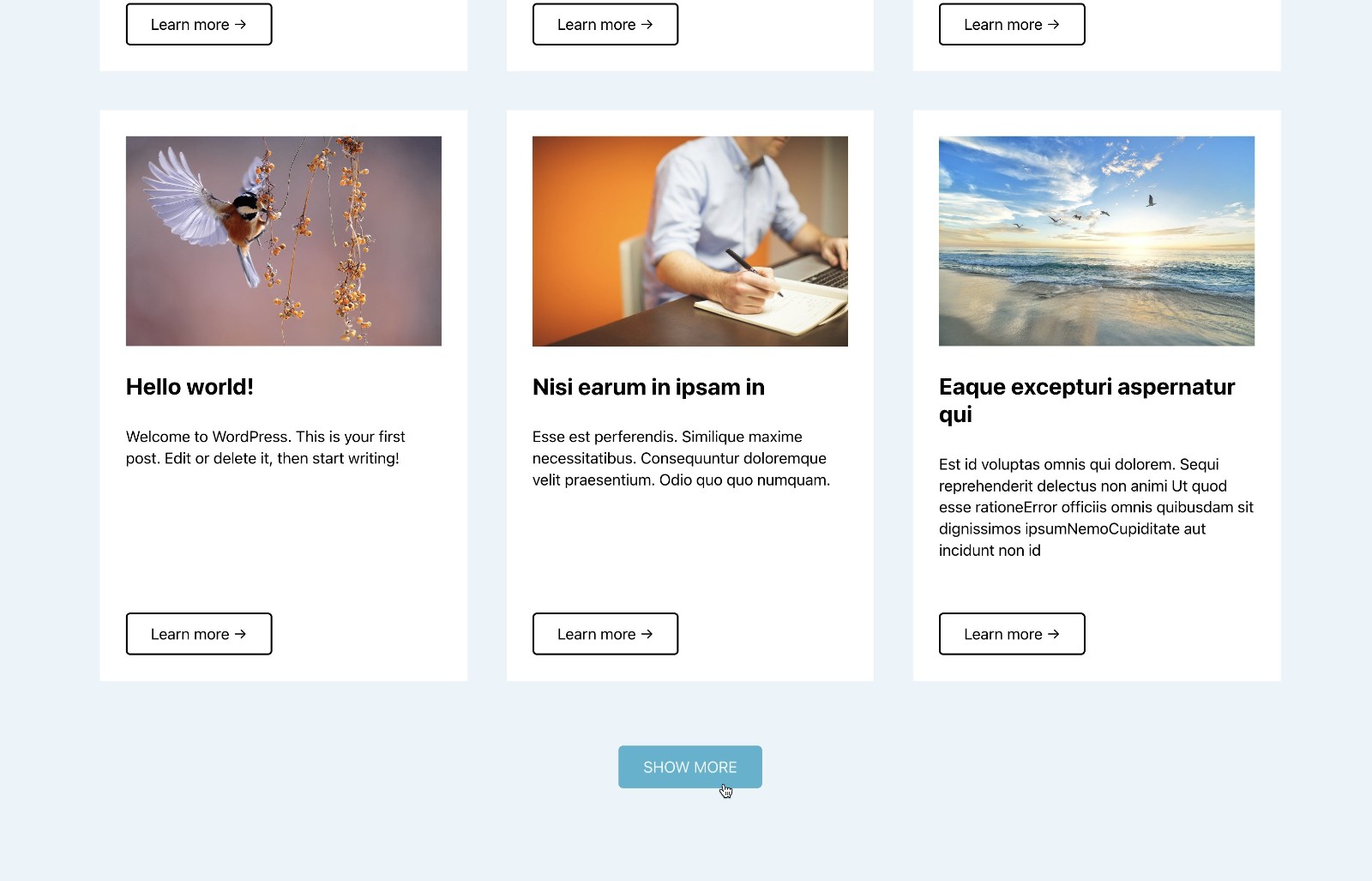
Did you know that Bricks has AJAX loading for query loop posts on-click out of the box?
This article shows how AJAX Load more functionality can be configured in Bricks.
Step 1
Edit your Page/template with Bricks.
Copy and paste the fully built Section of the above demo using this JSON.
Note: A few ACSS utility classes and variables are used.

A click Interaction has been set on the Button like this:

Select your query loop-enabled element’s label or ID in the Query control.
This is how the loading animation is made to appear inside the AJAX Loader div (below the button):

Step 2 (only if using ACSS)
Add this global CSS:
a[class*="btn--"].brx-load-more-hidden {
    display: none;
}
If you have Advanced Themer, you could do it right from within the builder.

That’s it. Save and check on the front end.
Reference
https://community.automaticcss.com/c/bricks/acss-overriding-brx-load-more-hidden-s-css