Most WordPress plugins run sitewide. However, there is no need for certain plugins like WP Content Copy Protection & No Right Click and Complianz to run in Bricks editor. We typically need the functionality offered by these plugins only on the front end. One way is to figure out what assets these plugins load and dequeue them conditionally.
A better approach is to stop the plugins from loading all together if the current page is a Bricks editor page. There are several ways of doing this and in this Pro tutorial we are going to cover 2 methods.
Method 1
Caveat
This method is going to work only in the inner frame of the Bricks editor but not its outer frame.
No such issues with Method 2.
Install and activate Plugin Load Filter plugin.
Go to the plugin’s settings page.
Click on the plugin icon for the plugins you wish to stop loading in the Bricks editor.

Click “Filter Entry” button.
Deselect the plug icon under “bricks_template” column.

Method 2
Create a directory named mu-plugins in your site’s wp-content directory and inside that, a file named say, active-plugins.php having the following code:
<?php
/**
 * @package active-plugins
 * @version 1.0
 *
 * Plugin Name: Active Plugins
 * Plugin URI: http://wordpress.org/extend/plugins/#
 * Description: This is a development plugin
 * Author: Your Name
 * Version: 1.0
 * Author URI: https://example.com/
 */

add_shortcode( 'activeplugins', function() {
	$active_plugins = get_option( 'active_plugins' );

	$plugins = "";

	if ( count( $active_plugins ) > 0 ){
		$plugins = "<ul>";

		foreach ( $active_plugins as $plugin ) {
			$plugins .= "<li>" . $plugin . "</li>";
		}

		$plugins .= "</ul>";
	}

	return $plugins;
});


$request_uri = $_SERVER['REQUEST_URI'];

add_filter( 'option_active_plugins', function( $plugins ) {

	global $request_uri;

	$is_bricks = strpos( $request_uri, '?bricks=' );

	$myplugin = 'wp-content-copy-protector/preventer-index.php';

	$k = array_search( $myplugin, $plugins );

	if ( false !== $k && false !== $is_bricks ) {
		unset( $plugins[$k] );
	}

	return $plugins;

} );
Replace
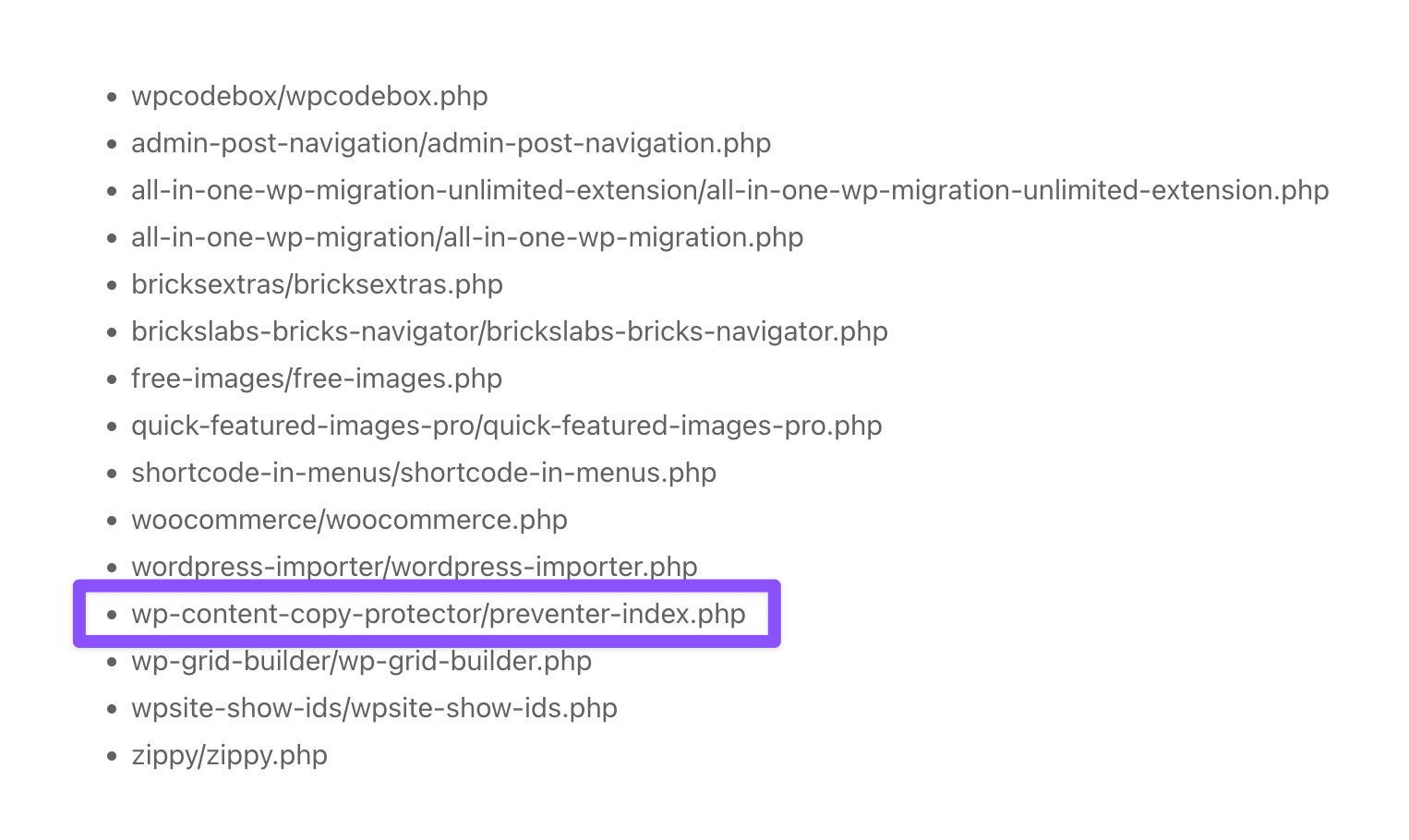
wp-content-copy-protector/preventer-index.phpin the above with the plugin that you wish to unload.
You can get this string by visiting any page that has this shortcode:
[activeplugins]Once you are done getting the plugin name(s), you can delete the following code that registers that shortcode from the must use plugin:
add_shortcode( 'activeplugins', function() {
	$active_plugins = get_option( 'active_plugins' );

	$plugins = "";

	if ( count( $active_plugins ) > 0 ) {
		$plugins = "<ul>";

		foreach ( $active_plugins as $plugin ) {
			$plugins .= "<li>" . $plugin . "</li>";
		}

		$plugins .= "</ul>";
	}

	return $plugins;
});
References
https://kinsta.com/blog/disable-wordpress-plugins-loading/
https://onlinemediamasters.com/disable-plugins-specific-pages-wordpress/