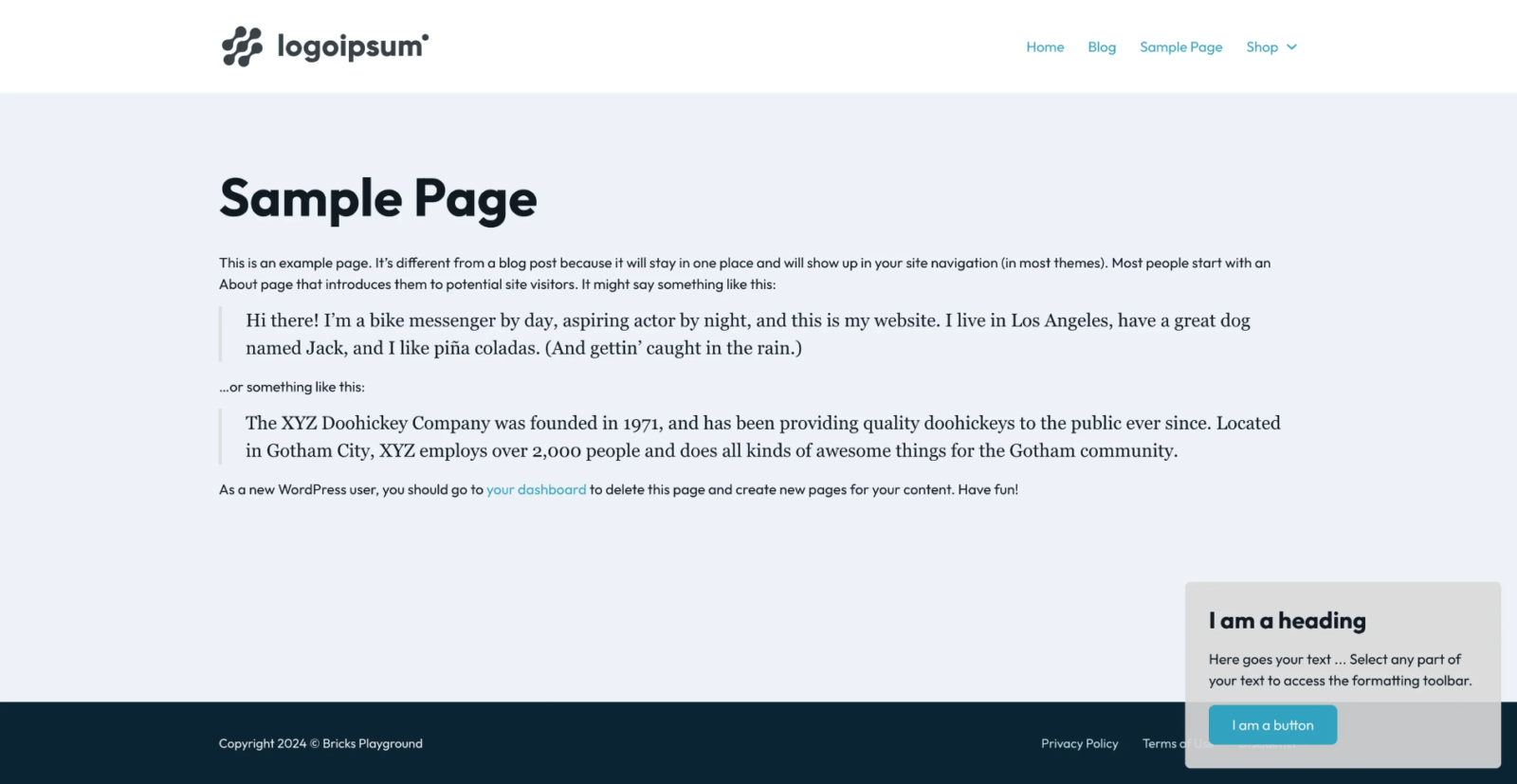
In Bricks Facebook group a user asks:
If I have a floating element to show on each pages, cpt, articles… of the site, in wich template should I join it ? In oxygen I would have place it in the main… but with bricks?
Bricks offers a lot of flexibility, which means there are many ways of doing this. But the ideal way to set up a floating element in Bricks, in my opinion, would be to simply add it to a Section-type template and hook this template to wp_footer.
Here’s how:
Go to Bricks → Templates.
Here’s the JSON export from our dev site if you want a head start (uses some ACSS variables). Ensure that the template settings are correctly set, as mentioned below.
If you want to build this manually, add a new template named say “Floating Content” of type “Section”.
Edit it with Bricks and build it as needed.
The main thing to note is that position: fixed is to be set for the outer-most wrapper element in the structure with (typically) right and bottom values.

Click the cog (Settings) icon → TEMPLATE SETTINGS → CONDITIONS.
Select “Entire website” (or any other view as desired).
and for the hook name, wp_footer

There are other Bricks hook locations that could be used like bricks_after_footer and bricks_after_site_wrapper but wp_footer should be the ideal one in this case based on the mantra I learnt from either Gary Jones or Tonya Mork:
Remember
Hook late. Return early.