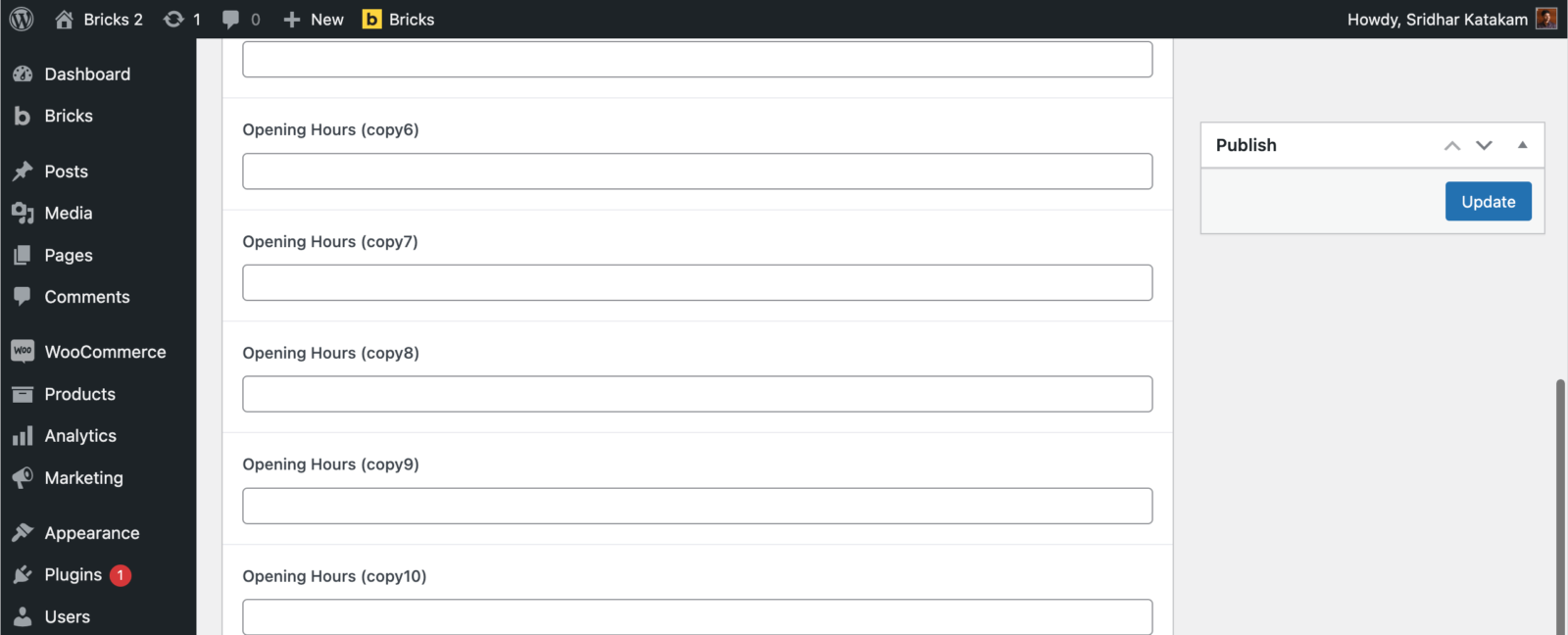
A small quality of life improvement that is useful when there’s a long ACF Options (needs ACF Pro) admin page in the WordPress dashboard:
Make the Publish metabox fixed so it remains in place and always visible which means we don’t have to scroll all the way up to click Update when the page gets long with several fields.
Let’s see how in this Pro tutorial.
Add the following in child theme’s functions.php or a code snippets plugin:
// Add custom CSS on the "acf-options" WordPress admin page.
add_action( 'admin_head', function() {
	$screen = get_current_screen();

	if ( $screen->id === 'toplevel_page_acf-options' ) {
		?>
		<style>
			#submitdiv {
				position: fixed;
				width: 280px;
			}
		</style>
		<?php
	}
} );
For those curious about how to obtain the $screen object’s id property value for other admin pages, here’s how it can be done:
Below
$screen = get_current_screen();add
print( '<pre>' . print_r( $screen, true ) . '</pre>' );Now reload the page of your interest and open your browser’s web inspector and look for pre tags.

Once you’ve copied the id value, remove the print() line from the code.