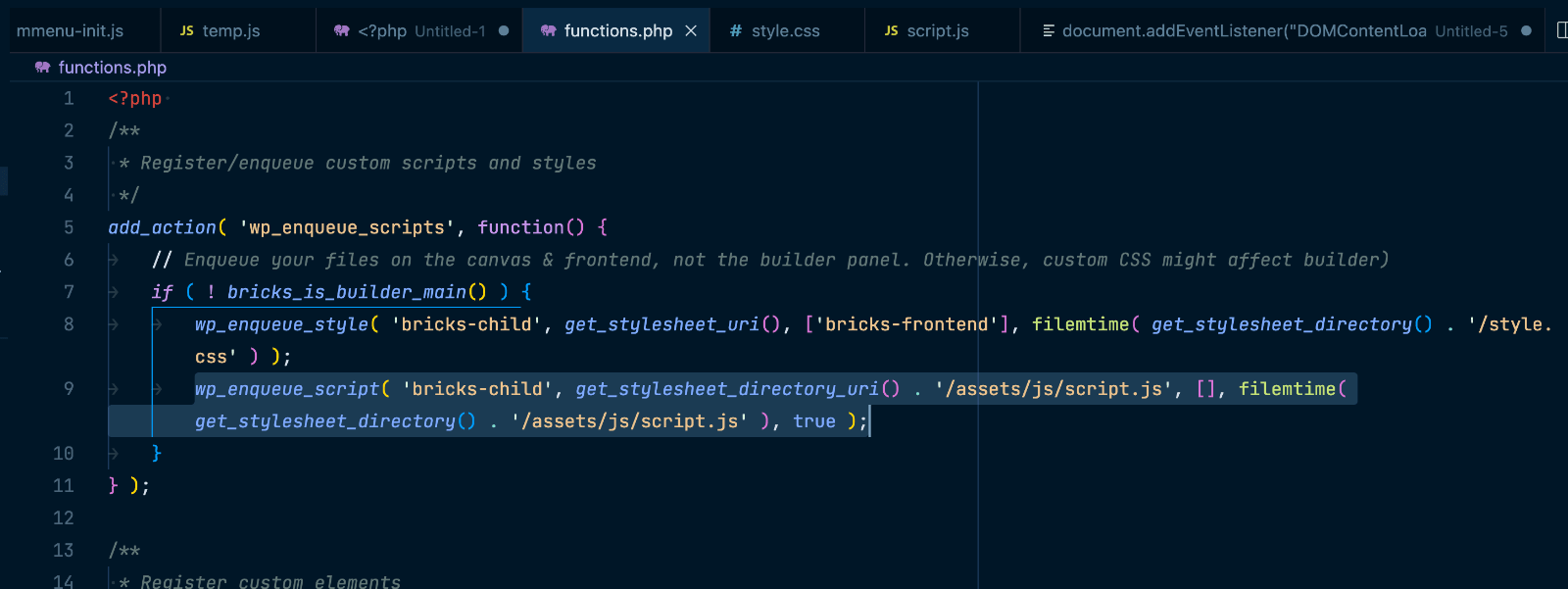
Bricks child theme’s functions.php comes with code to enqueue (load) style.css on the front end.
What if you want to load a custom JavaScript file in addition to the CSS file?
Add
wp_enqueue_script( 'bricks-child', get_stylesheet_directory_uri() . '/assets/js/script.js', [], filemtime( get_stylesheet_directory() . '/assets/js/script.js' ), true );below
wp_enqueue_style( 'bricks-child', get_stylesheet_uri(), ['bricks-frontend'], filemtime( get_stylesheet_directory() . '/style.css' ) );Place your custom JS inside a file named script.js in your child theme at this location: /assets/js.
Sample URL:
https://bricks.local/wp-content/themes/bricks-child/assets/js/script.jsHere’s a boiler plate template for script.js:
document.addEventListener("DOMContentLoaded", () => {
    console.log("Hello Bricks!")
})