This Pro tutorial provides the steps to toggle a WordPress menu when a div is clicked using the Interactions feature in Bricks.
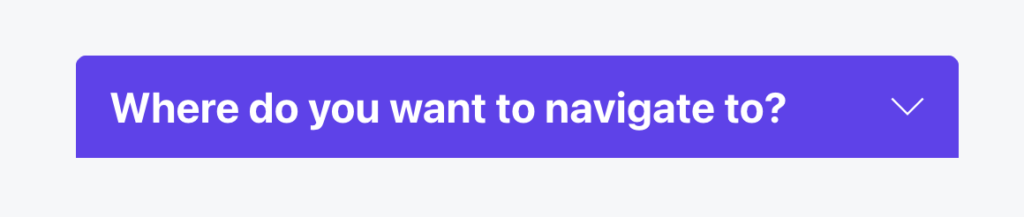
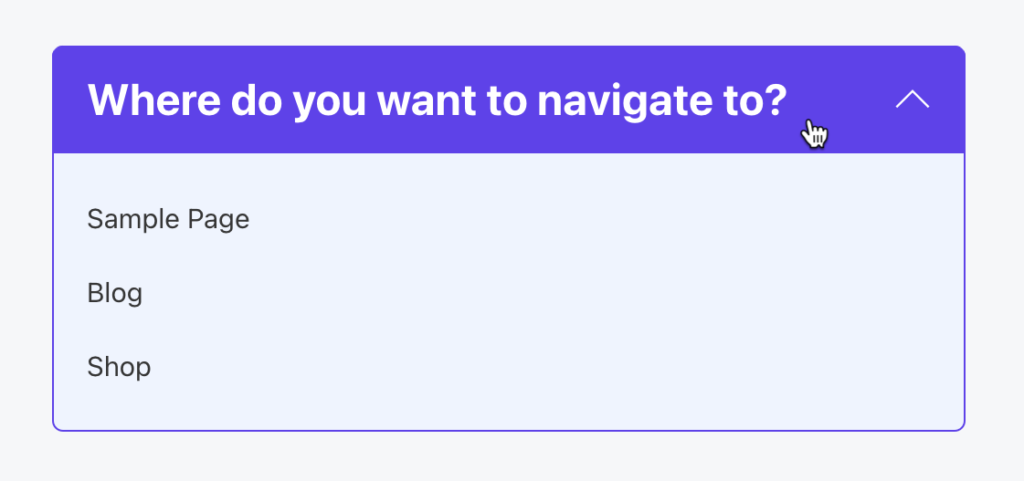
When clicked:
Step 1
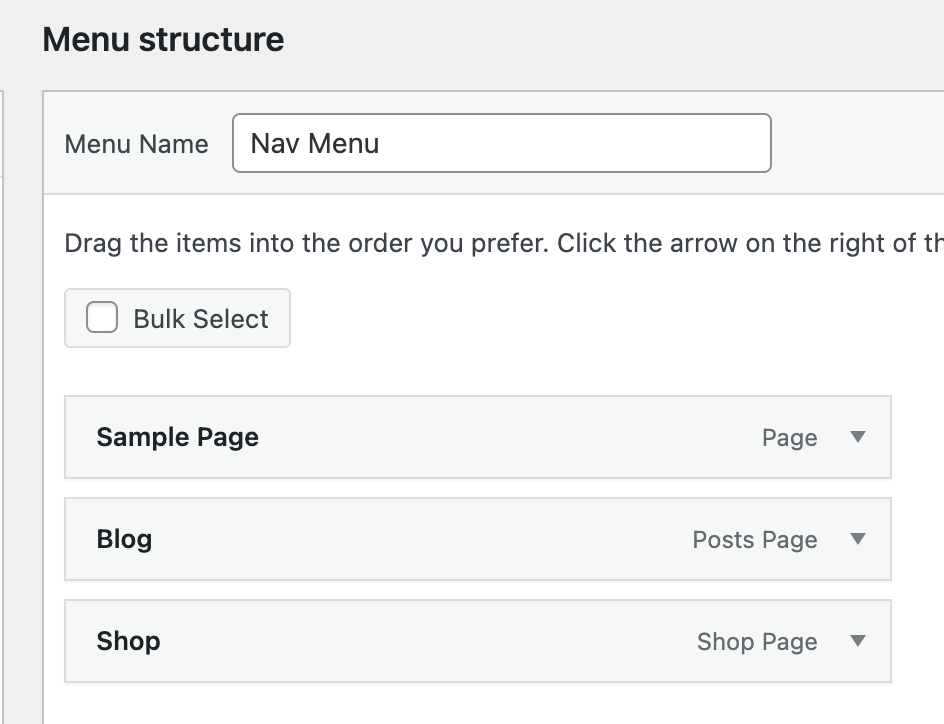
At Appearance → Menus create a navigation menu having top-level items.
Ex.:
Step 2
Copy the following JSON code and paste it in your Bricks editor.

Select the Nav Menu element and ensure that it is set to show the menu from the previous step.
Copy the CSS selectors for Nav Menu and Down Icon in a notepad.
Open the Interactions dialog for “DD Trigger”.
Replace the CSS selector in the first interaction, #brxe-ggspui with that of the Nav Menu.
Replace the CSS selector in the second interaction, #brxe-gktiti with that of the Down Icon.
Check that it is working on the front end.
Make any changes as needed.