This Pro tutorial provides the steps to display elements in Bricks conditionally based on the specified day of the week.
This could be used for example, to automatically display a notice only on Fridays.
Step 1
Go to Settings → General and set the Timezone to the city where your site/business is based at.
Leave the Week Starts On at the default Monday. This is not mandatory since we are going to set the same in code. So it’s just a way to make sure there is consistency.
Step 2
Let’s add a custom function that takes a 3-letter string of the day (like Mon or Fri) as the input and returns true if today is that specified day.
Add this in your child theme’s functions.php:
function bl_day_of_week( $value ) {

	$current_time = current_time( 'timestamp' );
	$toDay = date( 'w', $current_time );

	$day = 1; // default monday

	if ( is_numeric( $value ) ) {

		$day = intval( $value );

		if ( $day > 7 ) {
			$day = 1;
		}

	} else {

		$date = date_parse( $value );

		if ( is_array( $date ) && is_array( $date['relative'] ) ) {
			$day = $date['relative']['weekday'];
		}
	}

	return $toDay == $day;
}
Step 3
Save/create the content you wish to show conditionally as a Section Template.
Step 4
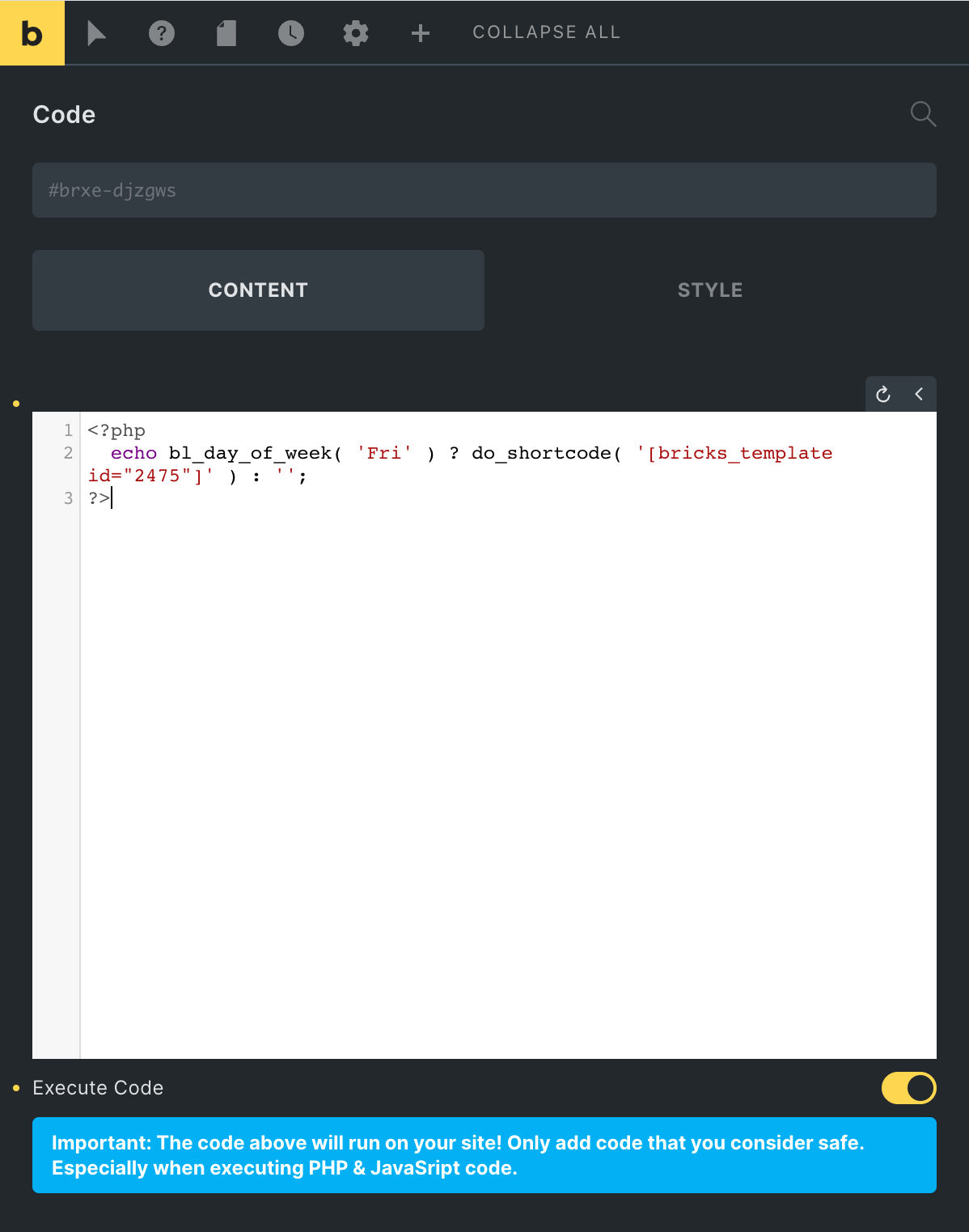
In the Page/Template where you wish to output the conditional content, add a Code element having:
This file contains bidirectional Unicode text that may be interpreted or compiled differently than what appears below. To review, open the file in an editor that reveals hidden Unicode characters.
Learn more about bidirectional Unicode characters
| <?php | |
| echo bl_day_of_week( ‘Fri’ ) ? do_shortcode( ‘[bricks_template id=»2475″]’ ) : »; | |
| ?> |
Replace 2475 with the ID of your Section Template.
Replace Fri with the day you want to check against. It should be in this format: Mon or Tue or Wed or Thu or Fri or Sat or Sun.
Toggle Execute Code on.
Source
oxygen/component-framework/includes/conditions.php L658.