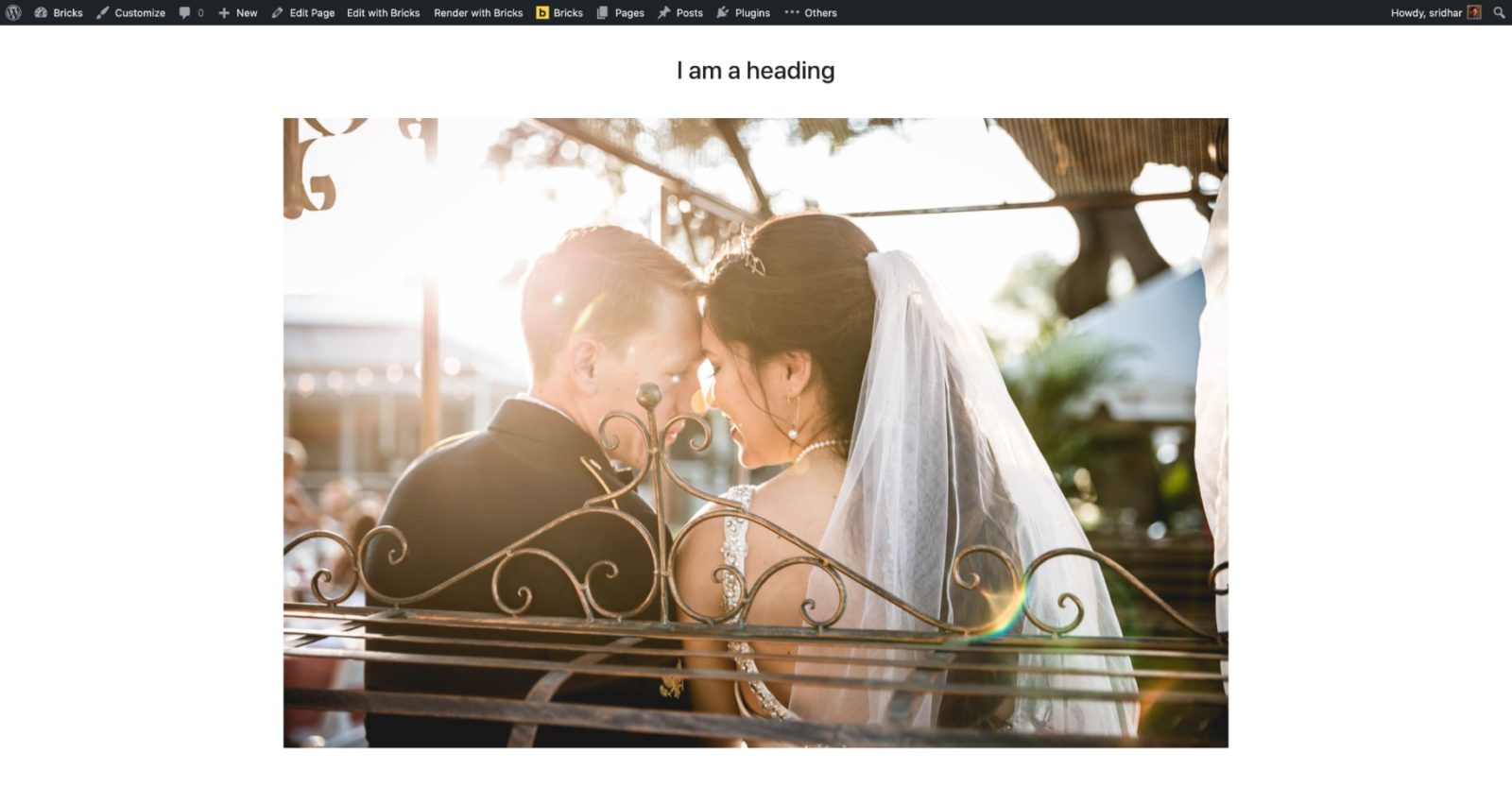
This Pro tutorial provides the steps to output a Section in Bricks on single posts (of any post type) only if the post has a featured image.
Step 1
Create a Template of the type Section named say, “Featured Image Section” and edit it with Bricks.
Add a Section and place your desired content like a Heading and Image inside the Section’s Container.
Select Featured Image to be shown and select a suitable image size.

Step 2
Edit the Template that applies the single view of your post type or a specific Page with Bricks.
Add a Code element where you would like to conditionally output your featured image section.
Set the width to 100%.
 <?php
	echo has_post_thumbnail() ? do_shortcode( '[bricks_template id="2468"]' ) : '';
?>
Replace 2468 with the ID of your Bricks Template from the previous step.