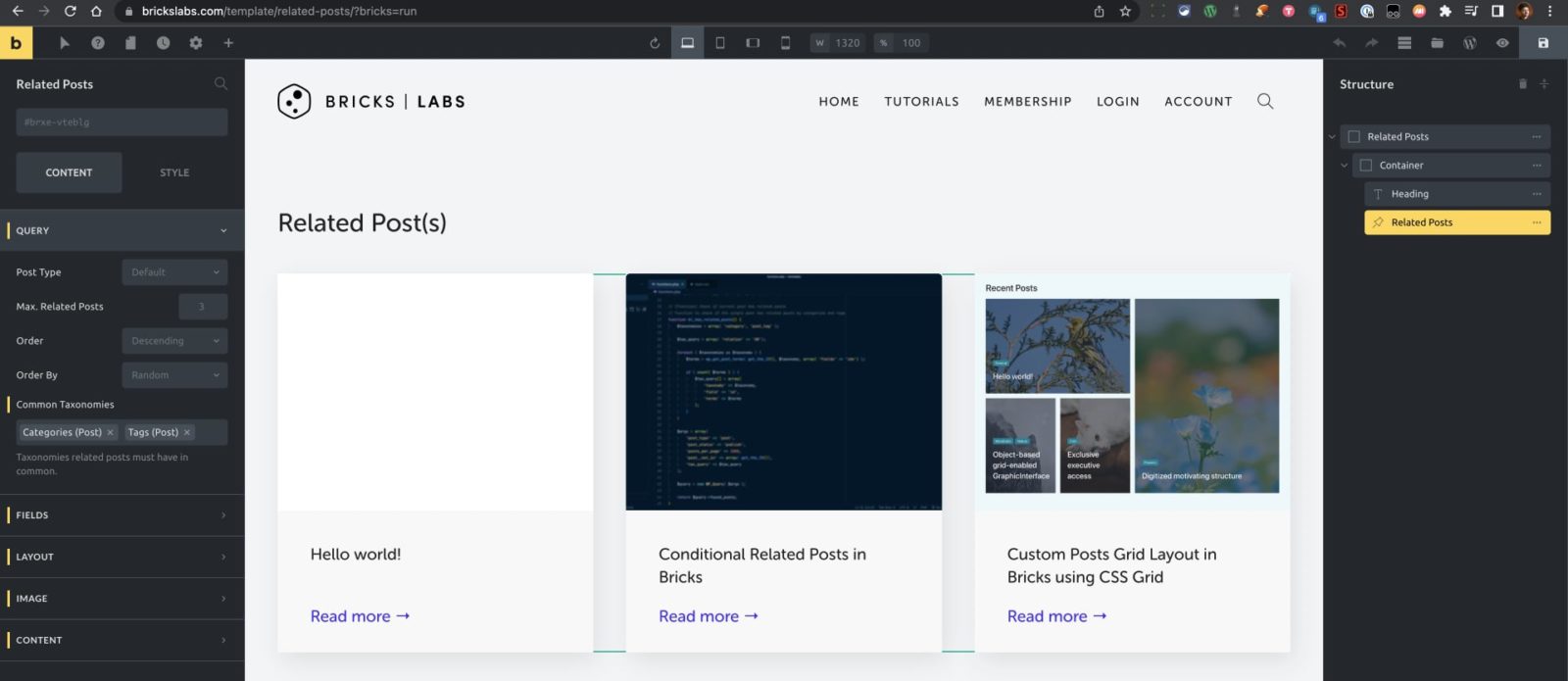
This Pro tutorial provides the steps to output a section having the Related Posts element only if there is at least 1 related post for the current single post being viewed in Bricks.
We shall define a custom function that returns the count of posts that have the same tag or category as the current post and use that with Brick’s echo dynamic data.
Then use that function to output a Section Template (having the “Related Posts” element) dynamically in the single Post Template if the count is greater than 0.
Step 1
Add the following in your child theme’s functions.php or a code snippets plugin like WPCodeBox:
// [Function] Check if current post has related posts
// Function to check if the single post has related posts by categories and tags
function bl_has_related_posts() {
	$taxonomies = array( 'category', 'post_tag' );
	$tax_query = array( 'relation' => 'OR');

	foreach ( $taxonomies as $taxonomy ) {
		$terms = wp_get_post_terms( get_the_ID(), $taxonomy, array( 'fields' => 'ids') );

		if ( count( $terms ) ) {
			$tax_query[] = array(
				'taxonomy' => $taxonomy,
				'field' => 'id',
				'terms' => $terms
			);
		}
	}

	$args = array(
		'post_type' => 'post',
		'post_status' => 'publish',
		'posts_per_page' => 1000,
		'post__not_in' => array( get_the_ID()),
		'tax_query' => $tax_query
	);
	$query = new WP_Query( $args );

	return $query->found_posts;
}
Step 2
Create a new Template of the type Section.
Add the elements you wish to be shown for related posts.

Go back to the Templates list screen and note the Template ID.
Step 3
Edit the Bricks Template that applies to single posts.
Add a Code element where you would like to show the related posts.
This file contains bidirectional Unicode text that may be interpreted or compiled differently than what appears below. To review, open the file in an editor that reveals hidden Unicode characters.
Learn more about bidirectional Unicode characters
| <?php | |
| if ( function_exists( ‘bl_has_related_posts’ ) ) { | |
| echo 0 < bl_has_related_posts() ? do_shortcode( ‘[bricks_template id=»175″]’ ) : »; | |
| } | |
| ?> |
Replace 175 with the ID of your Related Posts Template.
That’s it!
References
https://academy.bricksbuilder.io/article/dynamic-data/#advanced