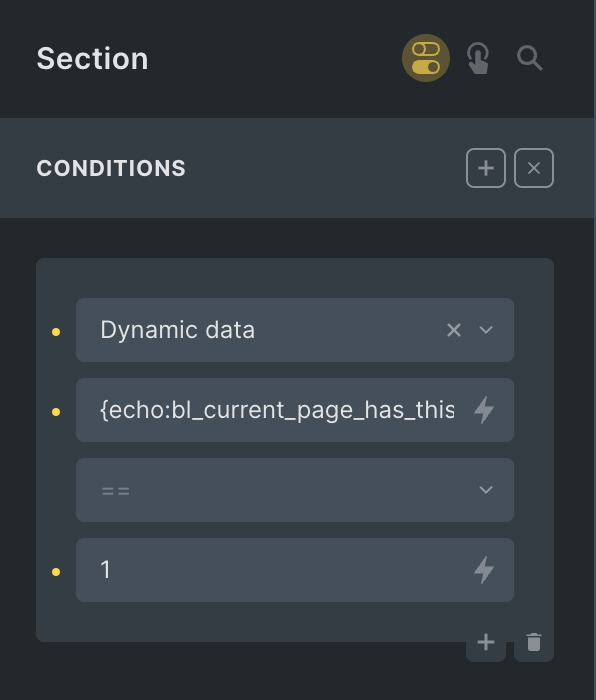
Consider this Page structure:
Page 1
|_ Page 1.1
|__ Page 1.1.1
View in question: A single Page
The requirement is to conditionally output an element only if the current Page’s grandparent at the highest level in the hierarchy is the Page specified by its title, in this case – “Page 1”.
In our example, the element should be rendered only if the current Page being viewed on the front end is either Page 1.1 or Page 1.1.1 and not on any other Page (incl. Page 1 itself).
This Pro tutorial shows how this can be done.
Note: This applies to any hierarchical post type, not just Pages.
Add the following in child theme‘s functions.php (w/o the opening PHP tag) or a code snippets plugin:
// Function to check if the current page has the page specified by its title as the grandparent ancestor
function bl_current_page_has_this_grandparent( $page_title ) {
	// get the current page's ancestors as an array
	$ancestors = get_post_ancestors( get_the_ID() );

	if ( ! empty( $ancestors ) ) {
		// get the grandparent (last item in the array) post object.
		$grandparent = get_post( $ancestors[ count( $ancestors ) - 1 ] );

		return $grandparent->post_title === $page_title;
	}

	return false;
}
Sample usage:
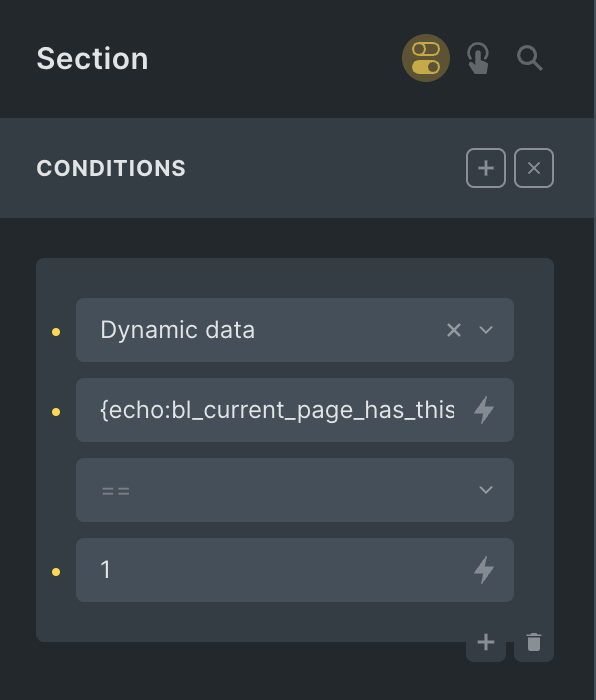
if ( bl_current_page_has_this_grandparent( 'Page 1' ) ) {...}In Bricks use the Dynamic data like this:
This file contains bidirectional Unicode text that may be interpreted or compiled differently than what appears below. To review, open the file in an editor that reveals hidden Unicode characters.
Learn more about bidirectional Unicode characters
| {echo:bl_current_page_has_this_grandparent(Page 1)} |
To check for Pages that do NOT have the specified grandparent ancestor, use 0 instead of 1.
Reference
https://developer.wordpress.org/reference/functions/get_post_ancestors/#comment-549