Categoría: BRICKS PLUGINS PRO QUERY LOOP
-
“My Favorites” in Bricks
This Pro tutorial provides the steps to set up and use My Favorites in Bricks Builder. Step 1 Install and activate My Favorites plugin. There are no settings to be configured for this plugin. Step 2 To add the favorite heart button, edit your Template with Bricks and add this shortcode via a Shortcode element:…
-
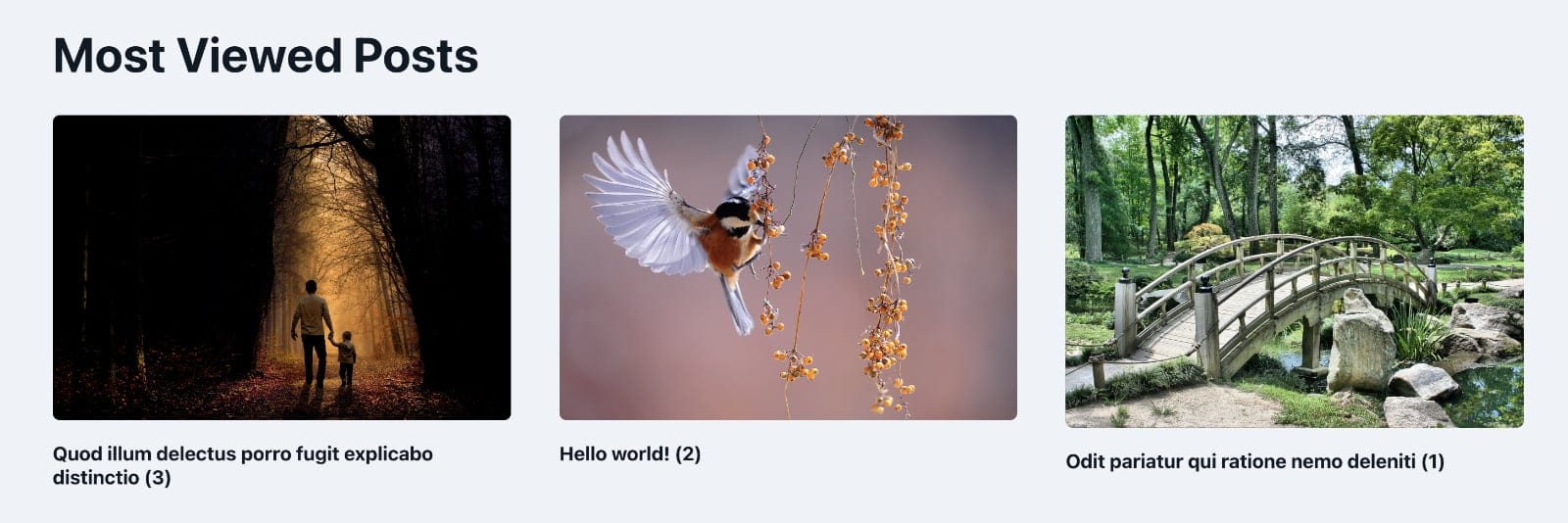
Post Views Counter Query Loop in Bricks
Looking to output the most viewed posts in your Bricks site in a query loop? This Pro tutorial shows how. Install and activate the free Post Views Counter plugin. Select post types for which post views will be counted in the plugin’s settings. It is enable for post by default. In the Bricks editor, set…