Categoría: BRICKS FREE JAVASCRIPT
-
Opening RSS Block’s Links in New Tabs
Looking to have links output by RSS Block (in the block editor) in new tab/window when using Bricks? Add this in your Bricks template/Page at Settings (gear icon) → PAGE SETTINGS → CUSTOM CODE → Body (footer) scripts: <script> document.querySelectorAll(«.wp-block-rss__item-title a»).forEach((link) => { link.setAttribute(«target», «_blank») }) </script> Note: For custom JS added in the builder…
-
Enqueueing a JavaScript File in Bricks
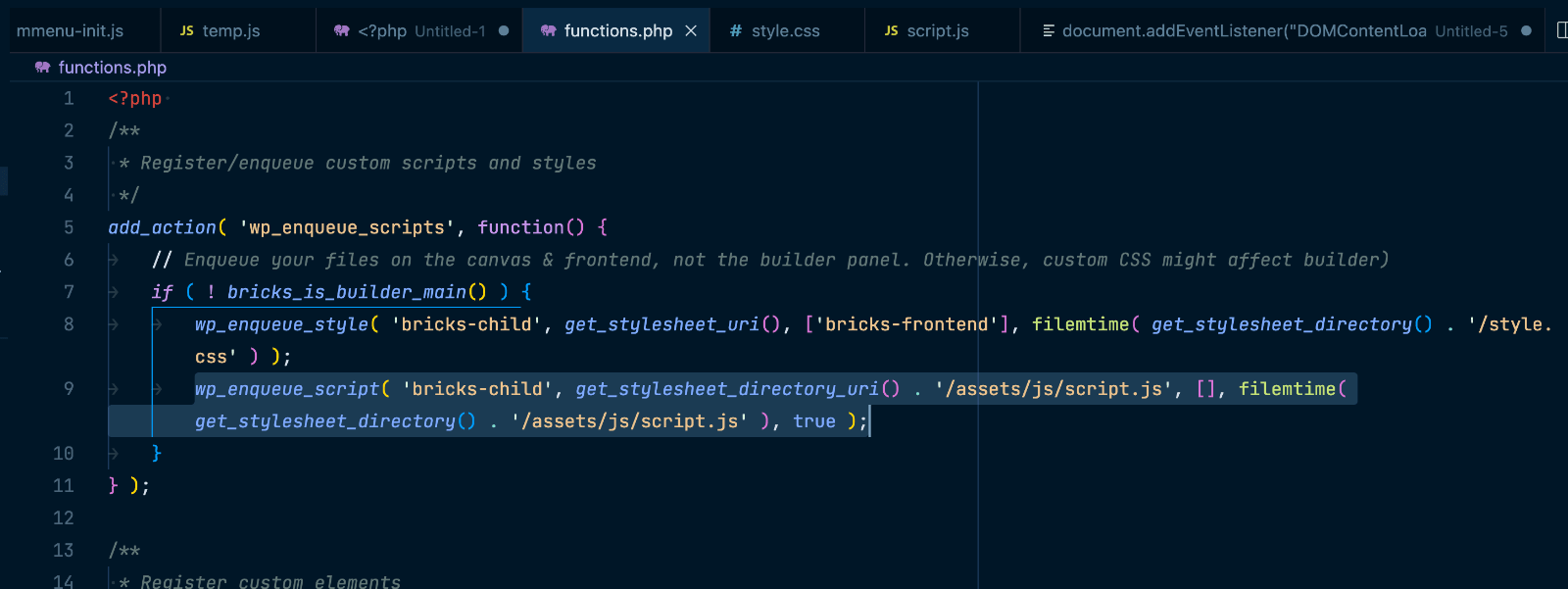
Bricks child theme’s functions.php comes with code to enqueue (load) style.css on the front end. What if you want to load a custom JavaScript file in addition to the CSS file? Add wp_enqueue_script( ‘bricks-child’, get_stylesheet_directory_uri() . ‘/assets/js/script.js’, [], filemtime( get_stylesheet_directory() . ‘/assets/js/script.js’ ), true ); below wp_enqueue_style( ‘bricks-child’, get_stylesheet_uri(), [‘bricks-frontend’], filemtime( get_stylesheet_directory() . ‘/style.css’ )…
-
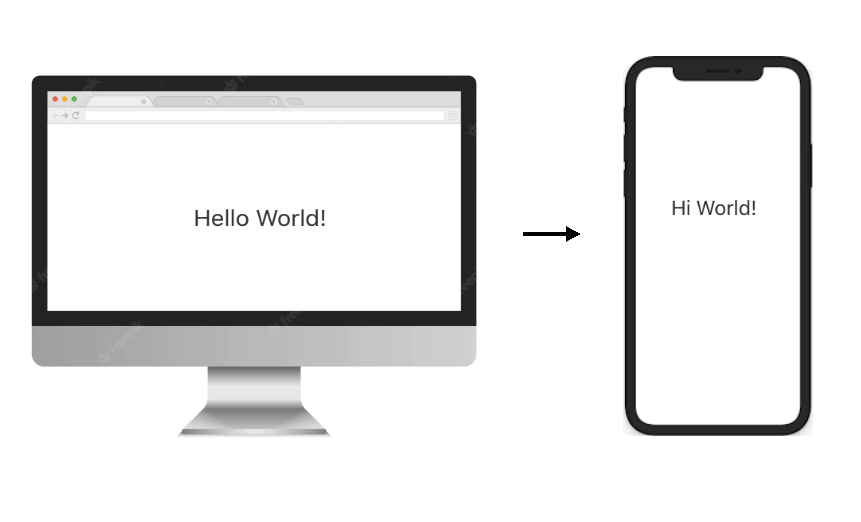
How to change the text of an element based on breakpoints without creating duplicated content
In this tutorial, we’ll learn how to dynamically change the text of a basic text element based on the viewport width in Bricks. Table of Contents Introduction The JavaScript The data attribute Introduction Sometimes your client will ask you to display different text content on desktop and mobile. The easy approach is to create two…
-
How to disable smooth scroll in Bricks
In certain situations like using ScrollSmoother from GreenSock you may be looking to disable smooth scrolling functionality that’s built into Bricks. To disable Bricks’ smooth scrolling, go to Bricks → Settings → Custom code and add this in the Body (footer) scripts text area: <script> window.bricksSmoothScroll = () => false </script> Reference https://brickslabs.com/how-to-wrap-main-element-in-custom-divs-in-bricks/#comment-263