Categoría: BRICKS FILTERS FREE
-
How to Exclude Elements from Bricks Editor
Bricks has a handy bricks/builder/elements filter using which the available elements that show up after clicking + (or ⌃/⌘ + ⇧ + E) in the editor can be filtered. First, we need to get the list of available element names. This can be done by adding the following in child theme’s functions.php or a code…
-

Show Product Categories Count Using Bricks Filter Hook
Unable to find terms count from the Dynamic Data provided by Bricks theme? It’s okay, this simple tutorial shows you how to properly get the terms count by using bricks/element/settings filter hook. (Bricks v1.4.0.1 and above). Step1: Prepare A Terms Query Loop My plan is create a Terms query loop to show some product category…
-
bricks/posts/merge_query Explained
This short article provides details on Bricks’ bricks/posts/merge_query filter. On pages rendered by an archive or search template, secondary queries like the ones used for showing recent posts or a nestable slider showing items from another CPT will not work properly out of the box. This is because the default behavior is to merge the…
-
How to hide/remove the Block Element from the Bricks Builder
Don’t like the new Block element in Bricks? Just copy/paste the following code into your child theme’s functions.php. By the way, It’s a terrible idea and expect things to break if you will call the block element in the future (nested elements or templates are just a couple of examples that come to mind). //…
-
How to Add a Custom Control Field to an Element in Bricks
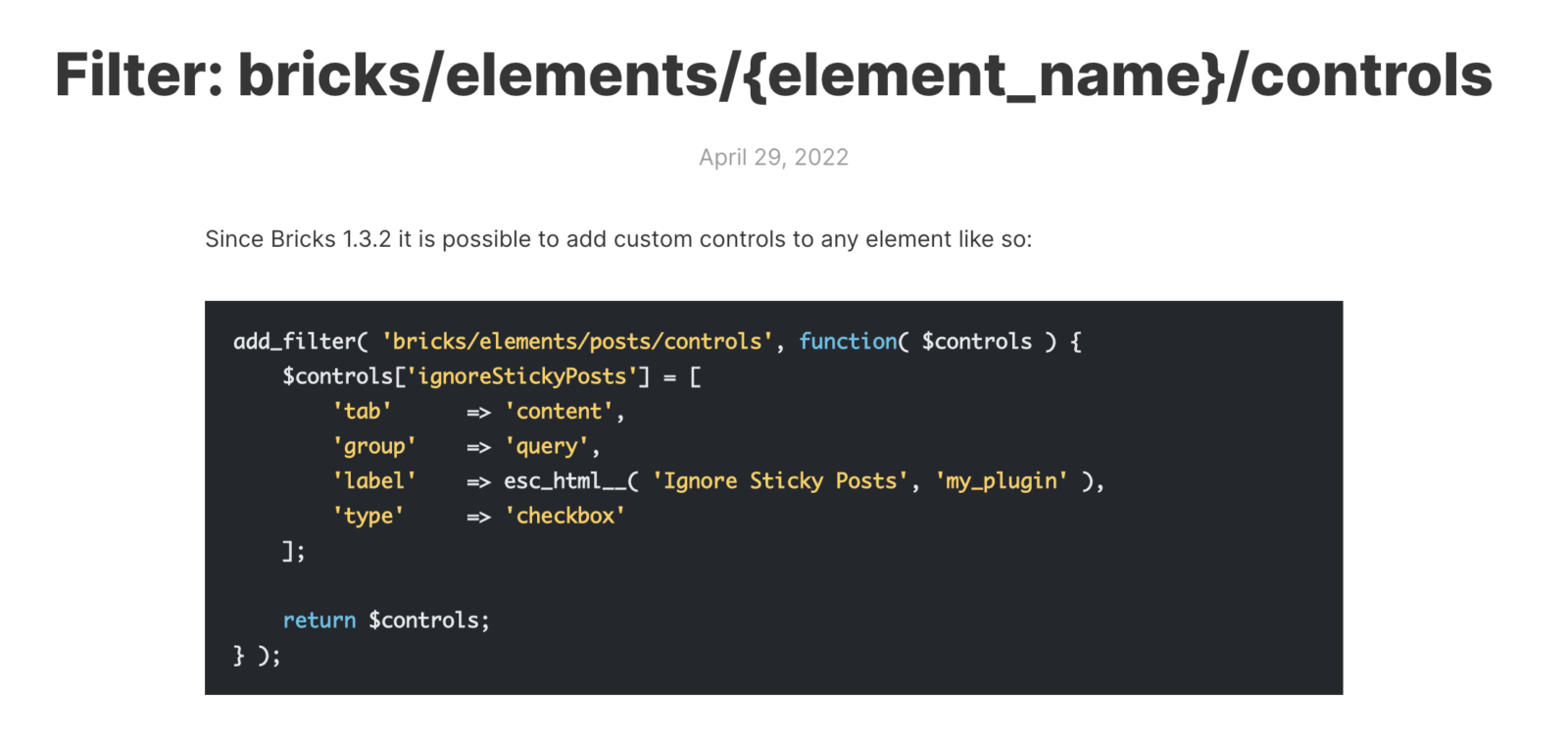
In this tutorial, we’ll learn how to add a custom control field to an element and dynamically change a CSS property inside the builder. Table of Contents Introduction Element List Control Types The code The result Introduction In my opinion, one of the most underrated filters in Bricks is bricks/elements/{element_name}/controls. With it, you can literally…