Categoría: BRICKS CONDITIONS PRO
-
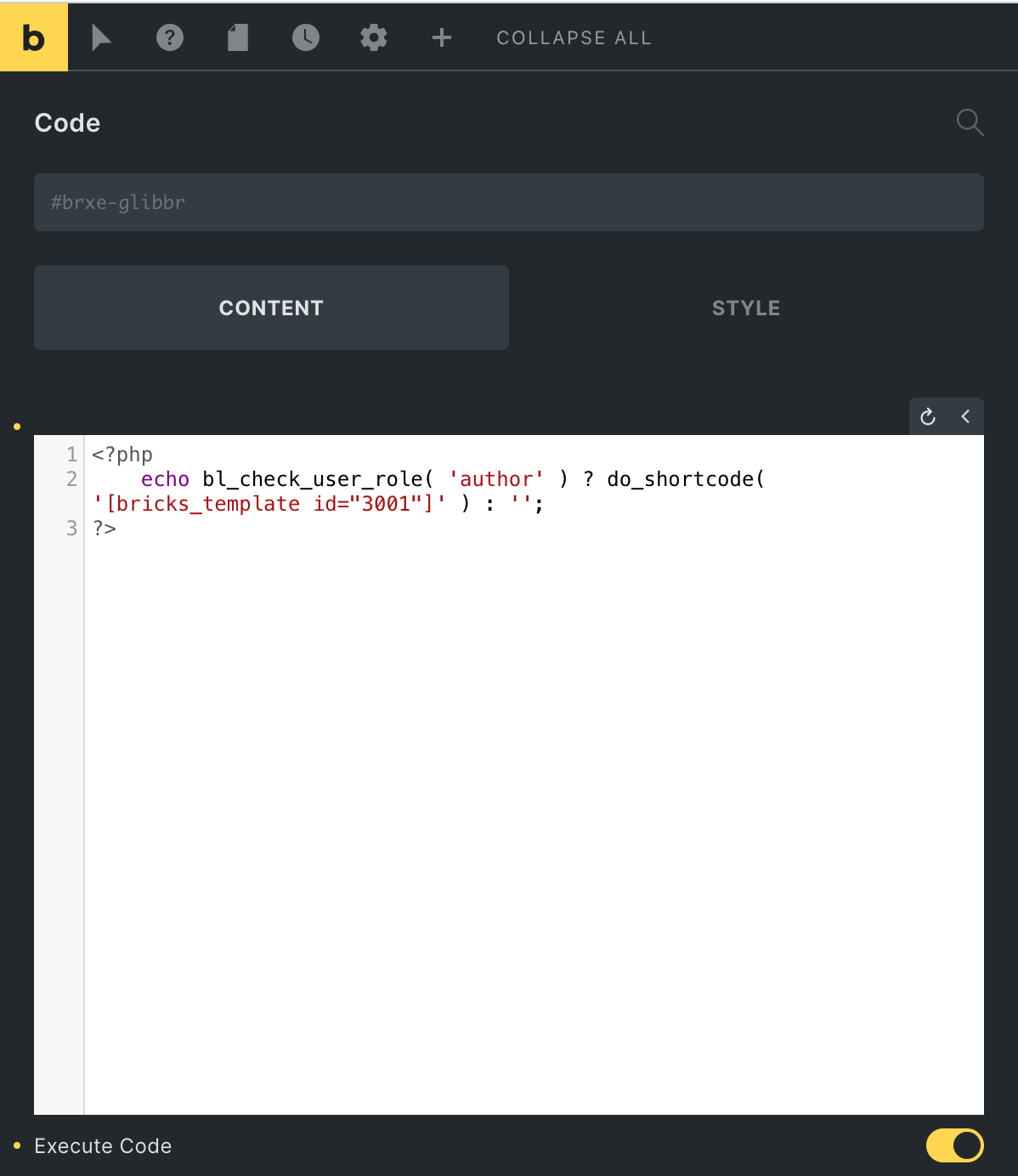
User Role Condition in Bricks
This Pro tutorial provides the steps to conditionally output elements depending on the currently logged-in user’s role. Step 1 Create a section Template having the content you wish to output for users having a specific role. Sample name of a Template for author user role: Author User Role Content Edit and build it with Bricks.…
-
Check If The Latest Post Was Published in The Last X Minutes
In this Pro tutorial we shall define a custom function that takes in the number of minutes as an argument and returns true if there is at least 1 post in the specified minutes. Ex.: Render a Bricks Section only if the last post has been published within the last 2 hours. Add the following…
-
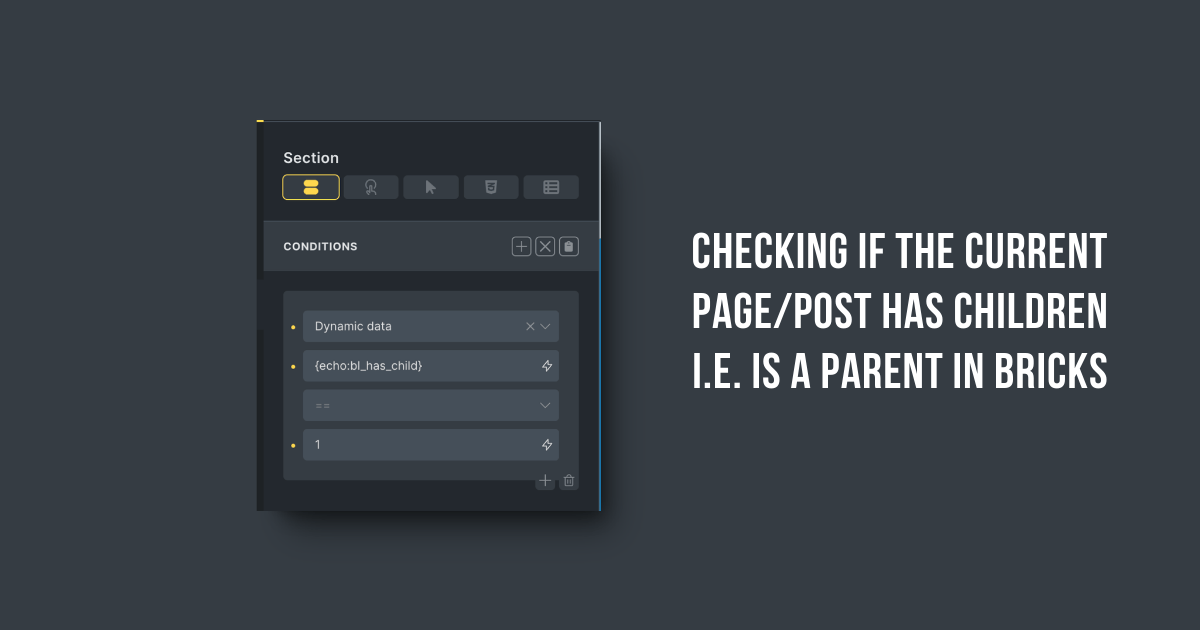
Checking if the current Page/Post has Children i.e. is a Parent in Bricks
This Pro tutorial shows how we can register a custom function that checks whether the current Page or Post (of any hierarchical post type) is a parent i.e., has at least 1 child. This can then be used with a Dynamic data Bricks condition to conditionally output elements based on whether the current (either single…
-
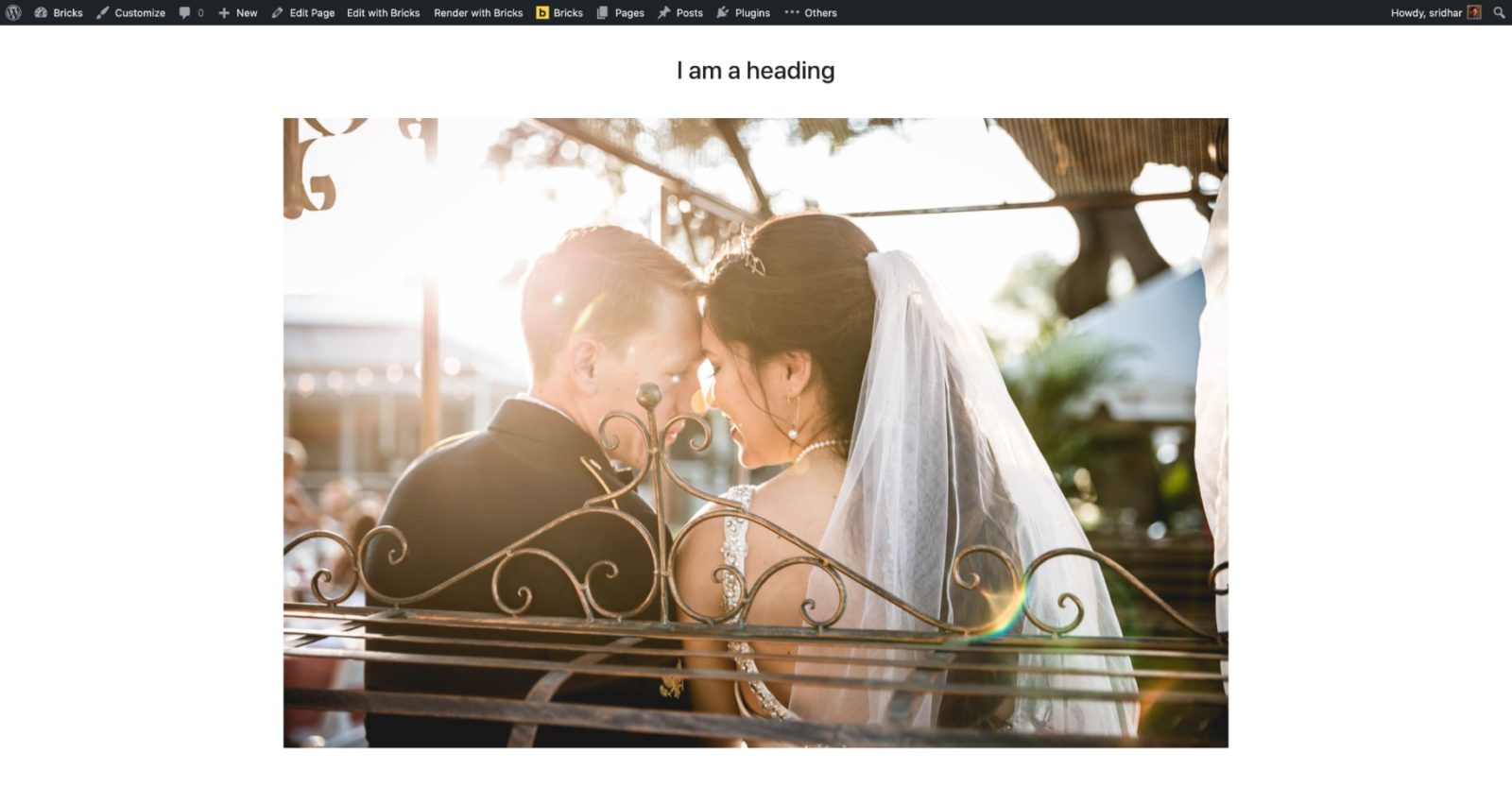
Conditional Section when Post has a Featured Image in Bricks
This Pro tutorial provides the steps to output a Section in Bricks on single posts (of any post type) only if the post has a featured image. Step 1 Create a Template of the type Section named say, “Featured Image Section” and edit it with Bricks. Add a Section and place your desired content like…
-
User Role Conditional Output in Bricks
This Pro tutorial provides the steps to output elements based on their CSS class to users of the specified role in WordPress when using Bricks Builder. We shall set up two conditions: Elements having a class of for-admins to be rendered only to admins. Elements having a class of for-subscribers to be rendered only to…
-
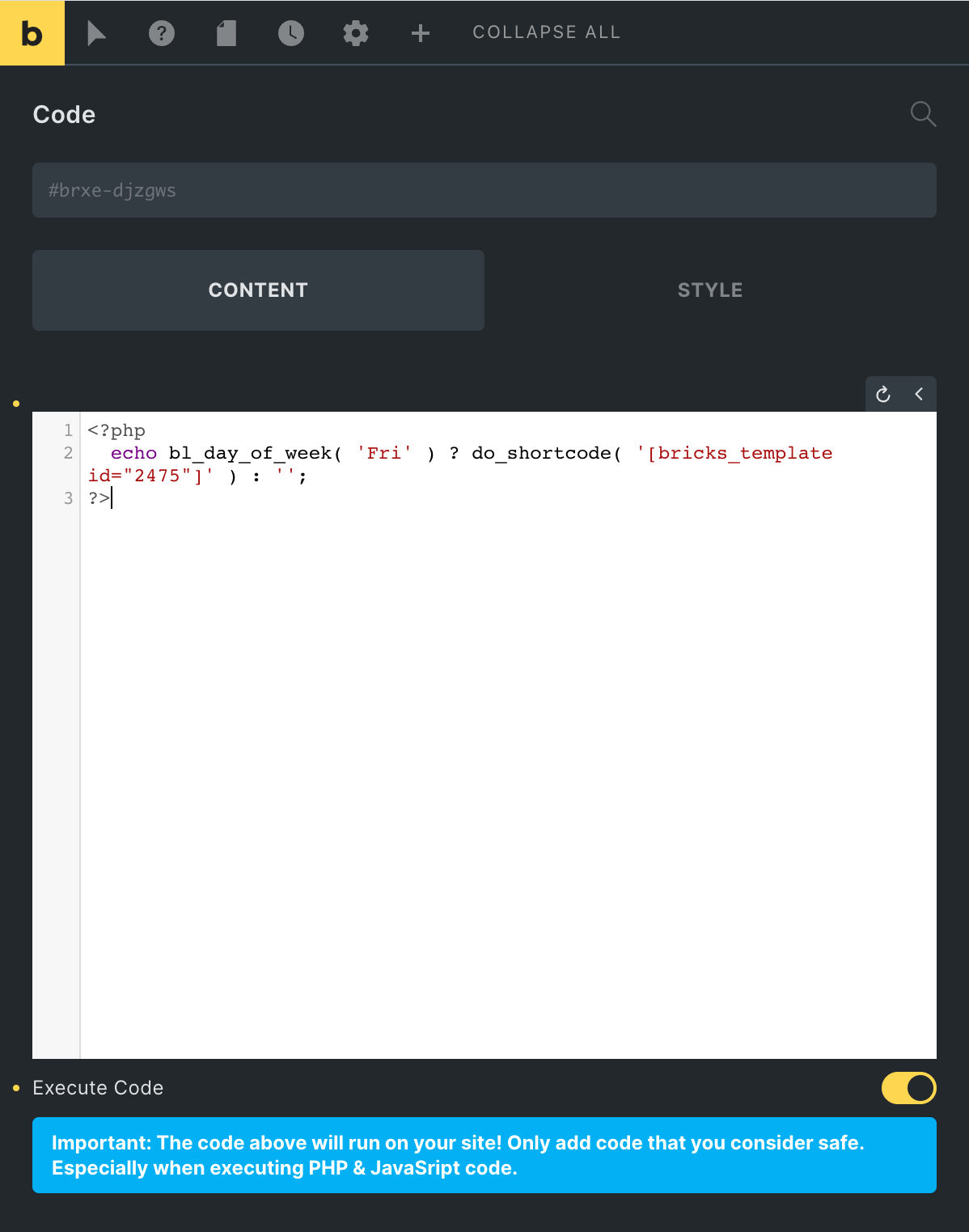
Day of Week Condition in Bricks
This Pro tutorial provides the steps to display elements in Bricks conditionally based on the specified day of the week. This could be used for example, to automatically display a notice only on Fridays. Step 1 Go to Settings → General and set the Timezone to the city where your site/business is based at. Leave…
-
Custom Conditions in Bricks Builder
Updated on 22 Jun 2022 This Pro tutorial is a continuation of the previous Conditions in Bricks Builder tutorial. We are going to keep updating this article with sample code for various useful conditions over time. List of display conditions covered in this article: Product on backorder? Locale URL has String Don’t output after (or)…