Categoría: BRICKS CONDITIONS FREE
-
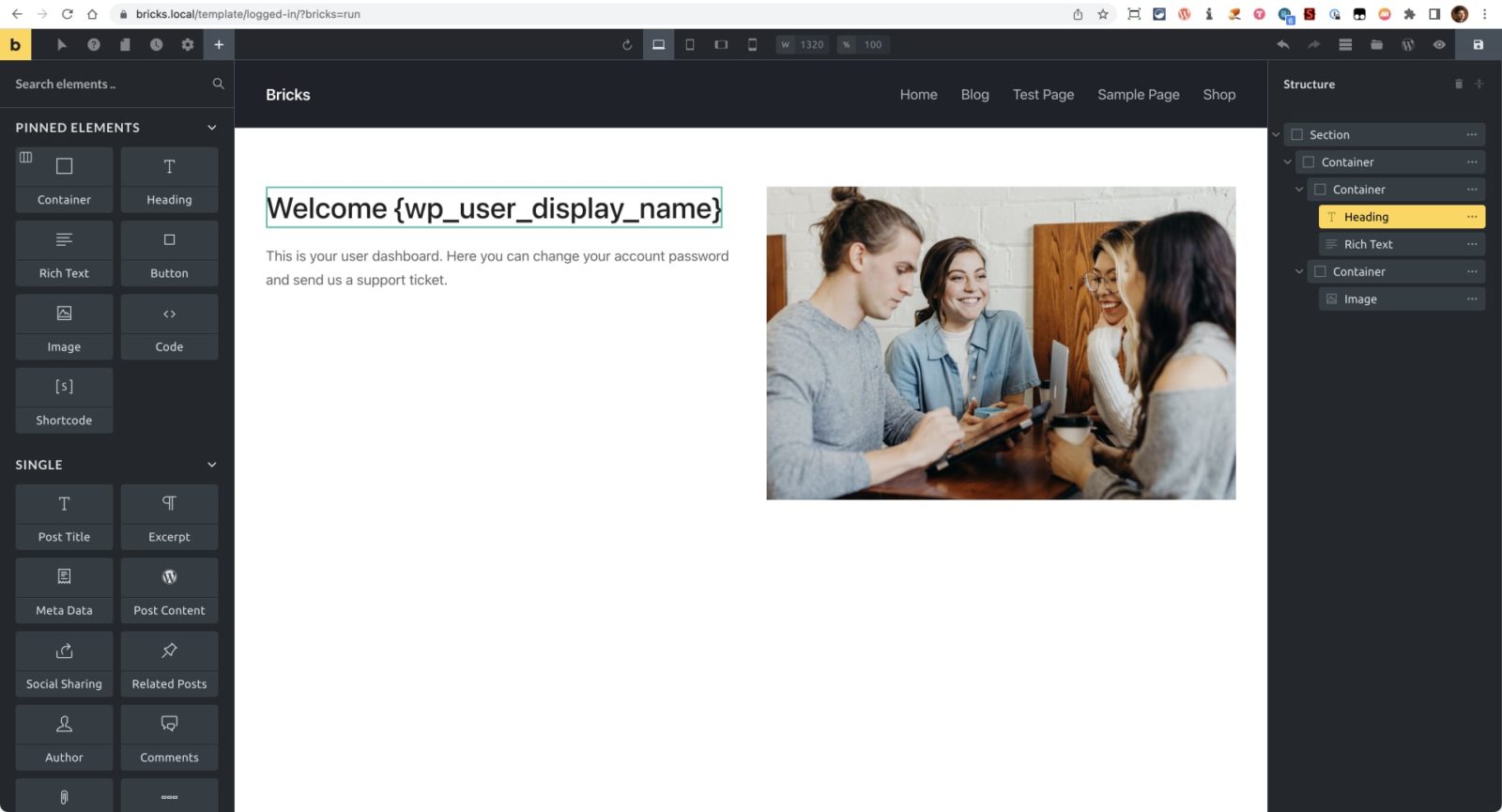
Conditions in Bricks Builder
The current version of Bricks does not have a built-in Conditions feature but that does not mean we can’t set them up manually with custom code. This tutorial provides a few practical examples of how to output any element in a Bricks site only if the specified condition is met. The general process is: Create…
-
Conditional Rendering for Logged in/out Users by CSS Classes in Bricks
This tutorial shows how Bricks builder‘s bricks/element/render filter can be used to conditionally output elements having a class of logged-in to logged-in users only and elements having a class of logged-out to visitors that are not logged in. Add the following in child theme’s functions.php or in a code snippets plugin: add_filter( ‘bricks/element/render’, function( $render,…
-
Conditional Output based on Manual Excerpt in Bricks
In the Bricks Facebook group a user asks: Is it possible to only show a post’s excerpt only if it has been manually set? In my blog post template, I want to display the excerpt above the main content if the author explicitly provided one. I tried using conditions on the Excerpt element but am…
-
Condition for Checking Current Post Category in Bricks
In the Bricks Facebook group, a user asks: I have two post categories – press release and news.I want to put a condition in the single post template to show/hide a certain block/element on a specific category. How should I do this? The built-in way to do this is using the Dynamic data condition like…
-
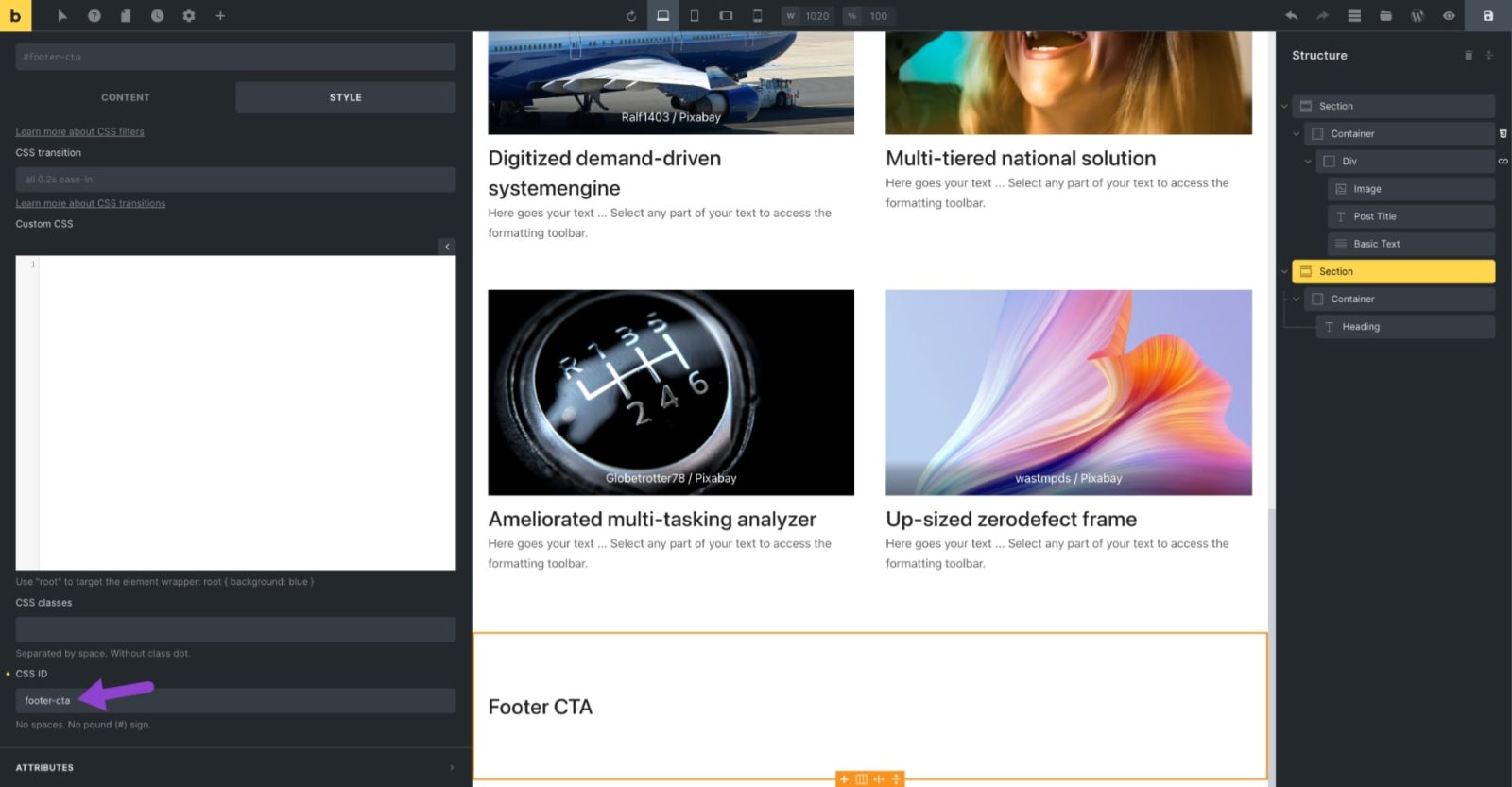
Render an element having a specific HTML ID based on value of a custom field
This tutorial provides the steps to use Bricks‘ bricks/element/render filter to conditionally output an element that has the specified HTML ID based on the value of a specific custom field of the current post when viewing a singular page. In this example, we shall use ACF to create a field group attached to Pages that…