Categoría: ACCORDION BRICKS FREE
-
Bricks Accordion (Nestable) Element’s Icons
Bricks comes with 2 elements for building accordions: Accordion and Accordion (Nestable). It is possible to set the old Accordion element’s regular and expanded-state icons via a theme style that applies to the entire website (make sure to remove the icons from the element itself since they override theme style). Unfortunately the same is not…
-
Making Bricks Nestable Accordion’s First Item Open on Desktop and Closed on Mobile
Updated on 5 Nov 2024 In the Bricks Facebook group, a user asks: How can I make the nestable accordion first entry open on desktop but closed on mobile? Here’s a way to do it using a bit of custom JavaScript. First select your Accordion (Nestable) element in the builder and toggle “Expand first item”…
-
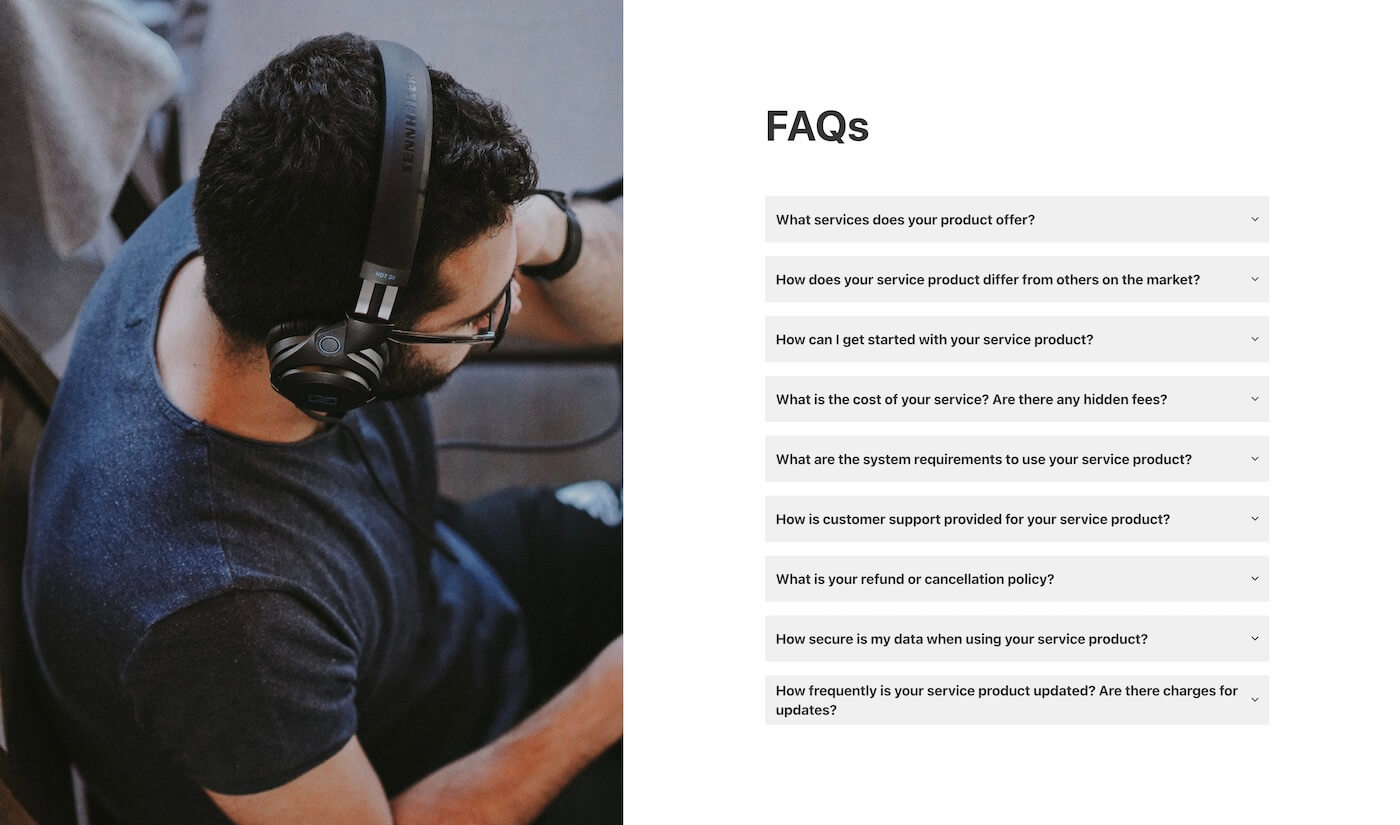
Auto-Scroll to the New Open Accordion Item
A common UX problem to solve: When using accordions that contain a lot of content; if the user has already scrolled past an accordion item, if they click to open the next item, the content can appear to shoot up the page as the previous item closes (due to the page changing height). This means…