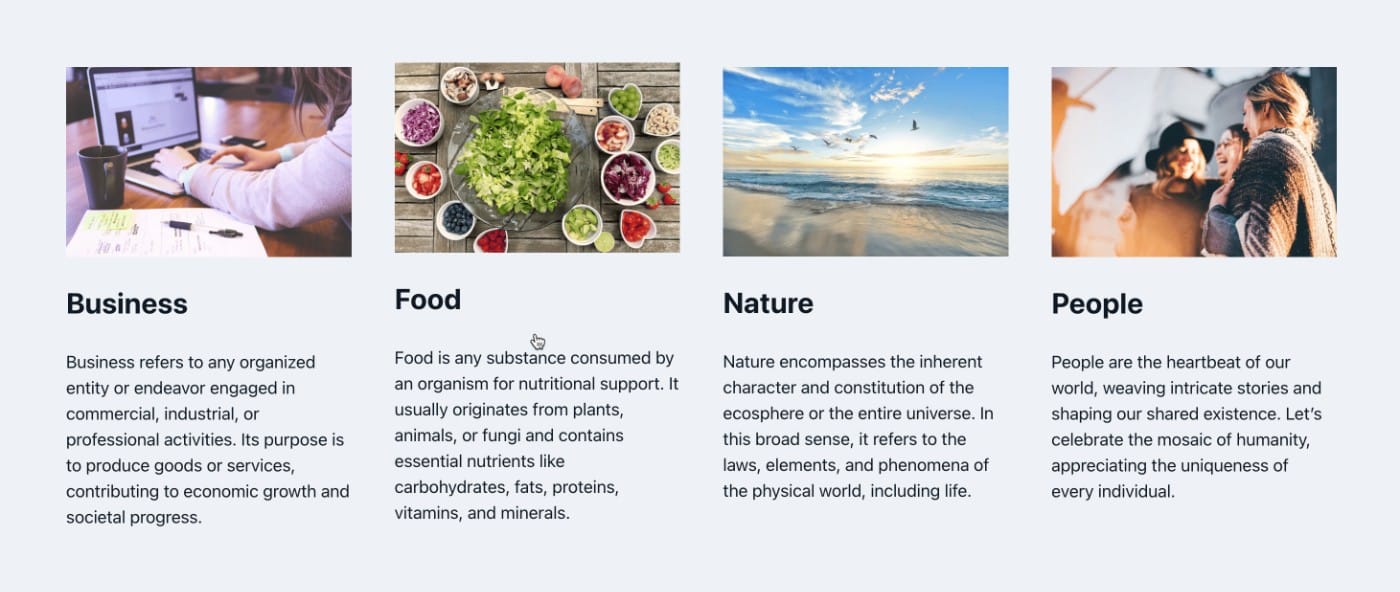
This Pro tutorial provides the steps to set up a grid of post categories, with each category card showing an image set up using the Advanced Custom Fields plugin, the category name, and the category description.
Step 1
Install and activate ACF.
Go to ACF → Tools and import the field group using this JSON.

Make sure the location is set to Taxonomy = Category.
Step 2
Edit your categories and fill in the Description (optional) and select/upload an image for each.

Step 3
Edit the Page or a template in which you would like to show the categories grid with Bricks.
Copy this JSON of the fully-built section and paste.

ACSS class for automatic grid has been applied on the UL element.
If you do not use ACSS, you could set the display to grid, set grid template columns to repeat(auto-fit, minmax(300px, 1fr)) and set a gap of say, 30px.
Terms query loop screenshot:

The following condition has been set on the Image element to ensure that it gets output only if there’s an image set for that category in the loop:

The following condition has been applied on the Category Description paragraph to ensure that it gets output only if that category in the loop has a description set:
