In the Bricks Facebook group a user asks:
I have a archive template for post categories. I would like to know if is possible using query builder, extract the most used post tags for post of current category
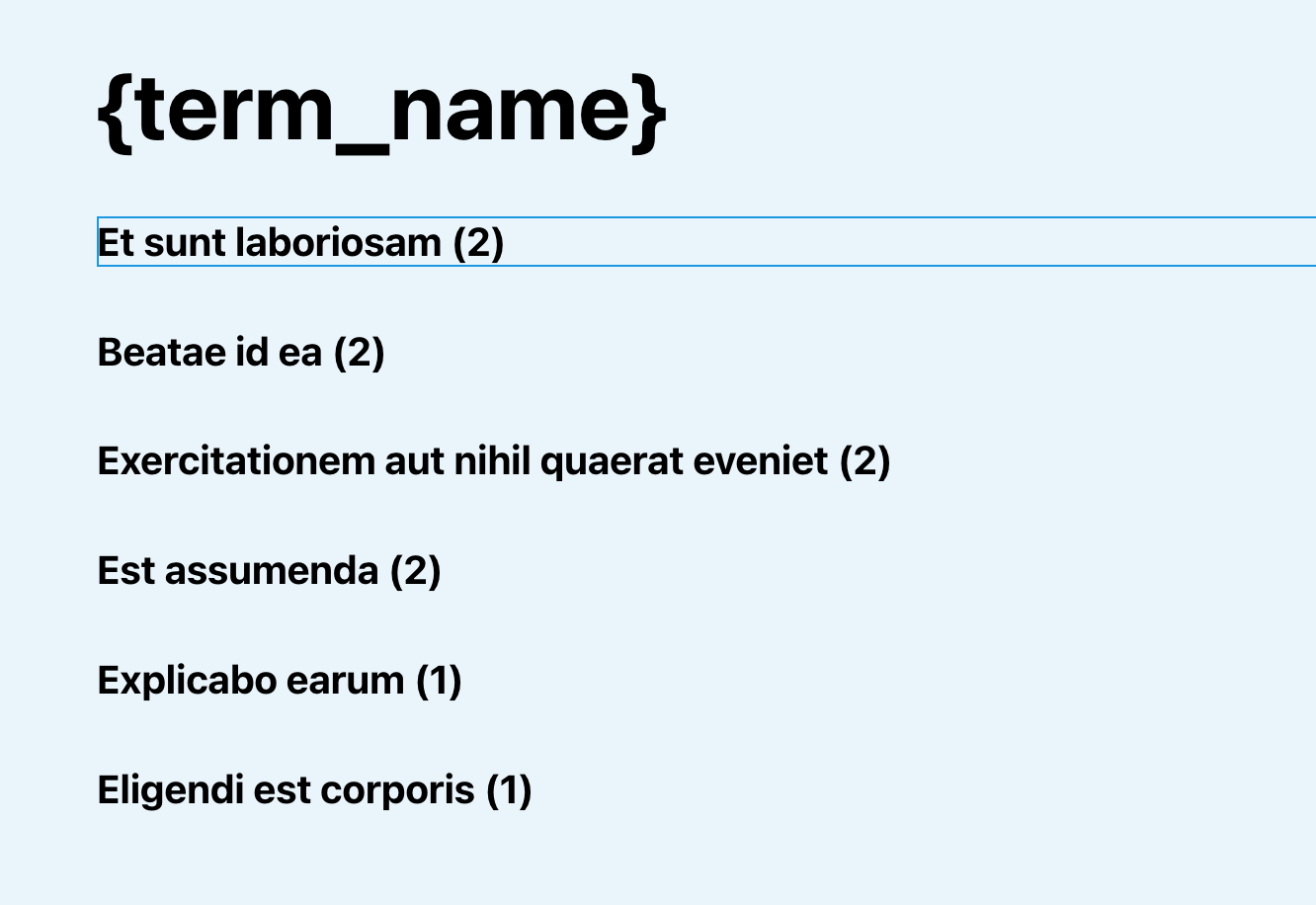
This Pro tutorial provides the steps to set up a Terms query loop in Bricks for tags and order the results by the tag count for the posts in the current category when viewing category archive pages.
Step 1
Edit the template (create, if not existing) that applies to your category archives with Bricks.

Set up a Tags query.

Note that we have set the ordering parameter as Count in descending order.
Also, setting the Number to 0 ensures that all matching terms are retrieved.
Step 2
Add the following in child theme‘s functions.php (w/o the opening PHP tag) or a code snippets plugin:
<?php

add_filter( 'bricks/terms/query_vars', function( $query_vars, $settings, $element_id ) {
    if ( $element_id !== 'odpsre' ) {
        return $query_vars;
    }

    // Get post IDs in the current category
    $posts = get_posts( [
        'category'    => get_queried_object_id(),
        'numberposts' => -1, // Get all posts
        'fields'      => 'ids', // We only need post IDs
    ] );

    $query_vars['object_ids'] = $posts;

    return $query_vars;
}, 10, 3 );
Replace odpsre with the Bricks ID of the element on which Terms query loop is enabled.
References
https://academy.bricksbuilder.io/article/filter-bricks-terms-query_vars/
https://developer.wordpress.org/reference/classes/wp_term_query/__construct/#parameters