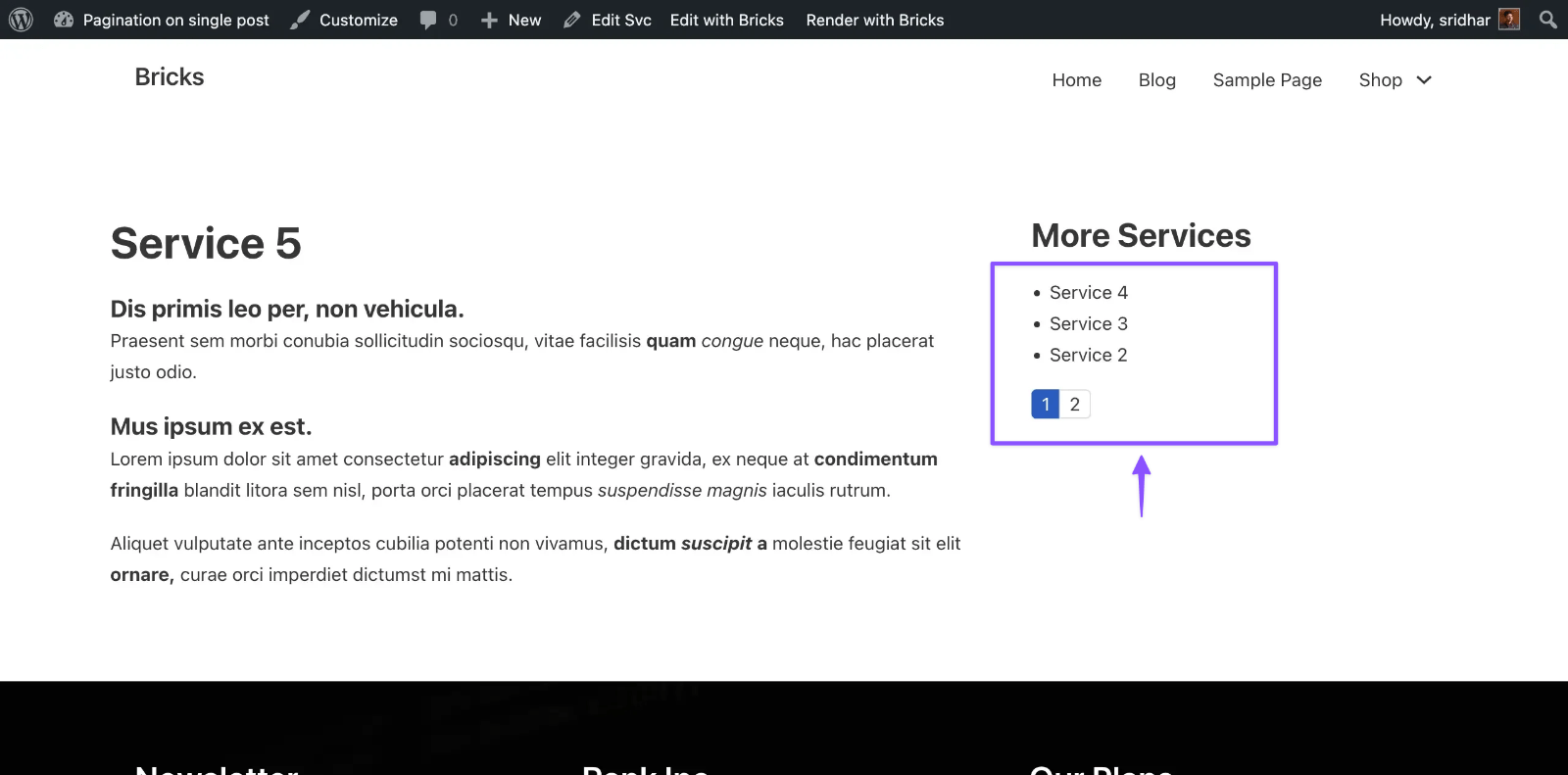
One of our site members asked:
I have a single post template which shows one magazine (custom post type). In the right column there is a list of all magazine issues, which I get through a query loop. I add the Pagination element. But when I click on next (or number 2 or 3) I don’t see any change in the list. For testing purposes I have set Post per page = 1. (I only have three issues of the magazine created so far.)
As Timmse wrote here, there is no easy or straightforward way to display a bunch of posts when viewing single posts and have a working pagination, AJAX no less in WordPress.
Thankfully, there is a wonderful free plugin called Loops & Logic that we covered in the past.
This tutorial shows how Loops & Logic can be used to output an unordered list of linked titles of posts of the specified post type whilst excluding the current post being viewed – with AJAX pagination.
Step 1
Install and activate Loops & Logic.
Step 2
At Tangible → Templates add a new Template.
Title: AJAX Paginated Posts
Template:
<If check="{Get local=post_type}" not_exists>
  <Set local=post_type>post</Set>
</If>

<ul class="posts-list">
  <Loop type="{Get local=post_type}" count=9 paged=3 orderby=date order=desc exclude="{Field id}">
    <li><a href="{Field url}"><Field title /></a></li>
  </Loop>
</ul>

<PaginateButtons />
We are checking to see if a value is being supplied to the post_type argument when this template is called (in the next step) via its shortcode. If it’s empty, it’s being set to post.
Then instructing L & L to fetch a total of 9 posts of the supplied post type or post type from the database and show 3 at a time.
Style tab:
.posts-list {
  padding-left: 1em;
}
Step 3
Edit your post type’s single Template.
Add a Shortcode element having the following wherever you want the posts list to be ouput.
[template name=ajax-paginated-posts post_type=service]Replace service with the name of your post type.
Screenshot if using Bricks:
