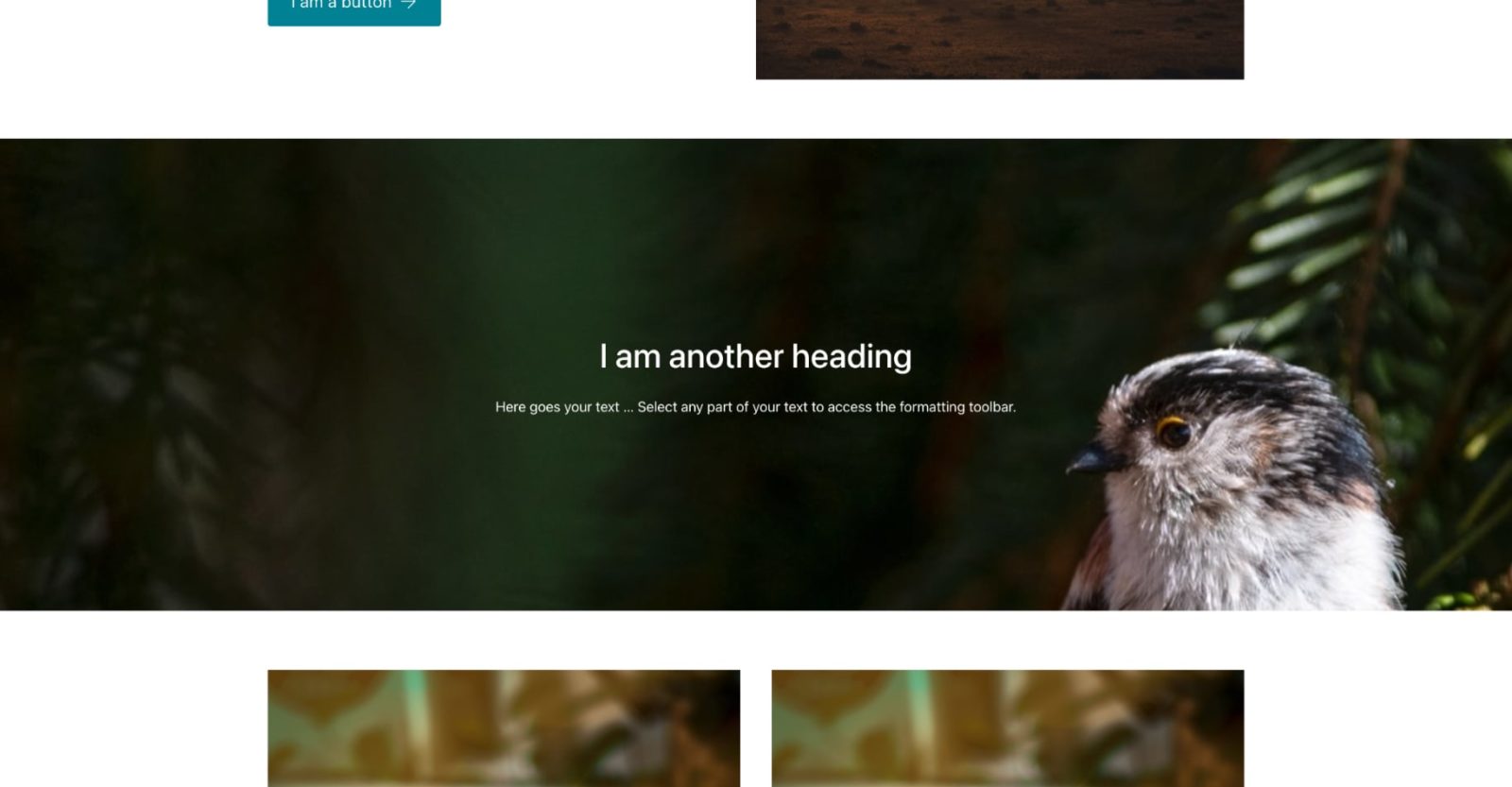
This Pro tutorial provides the steps to implement simplePARALLAX.js in Bricks for one or more parallax sections in which the background moves with user scroll.
We shall load simplePARALLAX from its CDN with the defer attribute to prevent render blocking, set up a regular image to appear like a background and initialize the parallax script.
Note: This example shows working with the static homepage.
Step 1
Add a Container having an image element.
[optional] If you want the image to go edge-to-edge of the browser, ensure that Section’s Container does not have any left and right padding.
Select an image that is taller than your desired height of the parallax sections.
Apply a gradient background with transparency for the image so that the text content overlayed on the top can be clearly seen.

Add a class of say, parallax on the image.
Width: 100%
Max. Height: 600px
Object Fit: Cover
Add a Container and inside that, a Heading and Basic/Rich Text.
Set a class of say, parallax__content to the Container.
Align Cross Axis: Center
Position: Absolute
Top: 50%
Left: 50%
Color: #ffffff
Transform → Translate X: -50%
Transform → Translate Y: -50%
Apply white color to the heading.
Step 2
Add this in child theme’s functions.php:
add_action( 'wp_head', 'bl_load_simpleparallax' );
function bl_load_simpleparallax() {
	// if this is NOT the site's static homepage, abort.
	if ( ! is_front_page() ) {
		return;
	}

	wp_print_script_tag(
		array(
			'id' => 'simpleparallax',
			'src' => esc_url( 'https://cdn.jsdelivr.net/npm/simple-parallax-js@5.5.1/dist/simpleParallax.min.js' ),
			'defer' => true
		)
	);
}
Step 3
Back in the Bricks editor, go to Settings → PAGE SETTINGS → CUSTOM CODE.
Custom CSS:
.simpleParallax {
  width: 100%;
}
Body (Footer) Scripts:
<script type='text/javascript'>
	document.addEventListener('DOMContentLoaded', (event) => {
		const images = document.querySelectorAll('.parallax');

		const instance = new simpleParallax(images, {
			scale: 1.5
		});

		instance.refresh();
	})
</script>
That should be it. You can now duplicate your parent Section/Container element for multiple parallax sections.