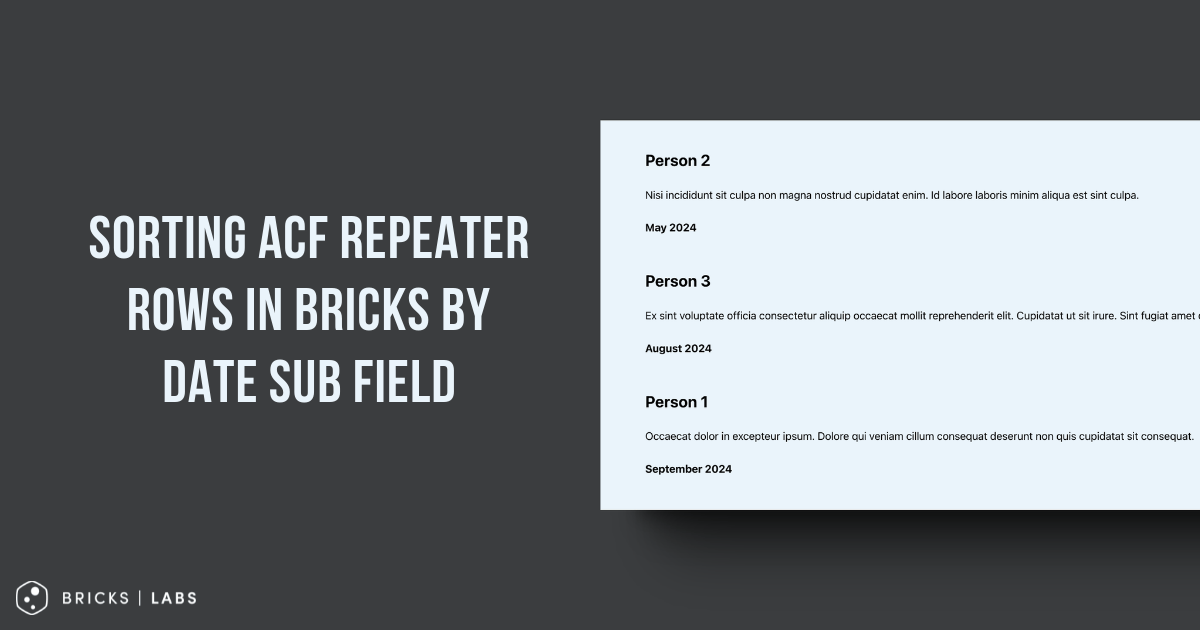
This Pro tutorial shows how the rows of a ACF Repeater query loop in Bricks can be sorted by ascending or descending order of a date sub field.
Consider this example:
Testimonials (Repeater)
|_ Testimonial Content (WYSIWYG Editor)
|_ Client Name (Text)
|_ Testimonial Date (Date Picker)
Sample testimonials for a post:

Output on the front end by default:

Note: To change the order, the rows can simply be re-arranged by drag and drop in the post editor. This tutorial is when the ordering should happen automatically.
After implementing the tutorial:
Ascending order of date:

Descending order of date:

Step 1
Set Return Format for the date sub field to Ymd.
To output the date in a human-friendly format, add the desired format string like :F Y at the end for the value of your Basic Text element.
Ex.:
{acf_testimonials_testimonial_date:F Y}
Step 2
Add the following in child theme‘s functions.php (w/o the opening PHP tag) or a code snippets plugin:
<?php

// Add a filter to modify the query results
add_filter( 'bricks/query/result', function ( array $result, object $query_obj ) : array {
    // Check if this is the specific element we want to modify
    if ( $query_obj->element_id !== 'njayay' ) {
        // If not, return the results unmodified
        return $result;
    }

    // Sort the results array using a custom comparison function
    usort( $result, function ( array $a, array $b ) : int {
        // Compare the 'testimonial_date' values of two items
        // strcmp returns < 0 if $a is less than $b, > 0 if $a is greater than $b, and 0 if they are equal
        // This results in ascending order sort by date
        return strcmp( $a['testimonial_date'], $b['testimonial_date'] );
    } );

    // Return the sorted results array
    return $result;
}, 10, 2 );
Replace njayay with the Bricks ID of your ACF Repeater query loop-enabled element.
Replace both occurrences of testimonial_date with the name of the date sub field.
To sort the results in descending order of date sub field,
change
return strcmp( $a['testimonial_date'], $b['testimonial_date'] );to
return strcmp( $b['testimonial_date'], $a['testimonial_date'] );References
https://academy.bricksbuilder.io/article/filter-bricks-query-result/
https://www.advancedcustomfields.com/resources/date-picker/#notes