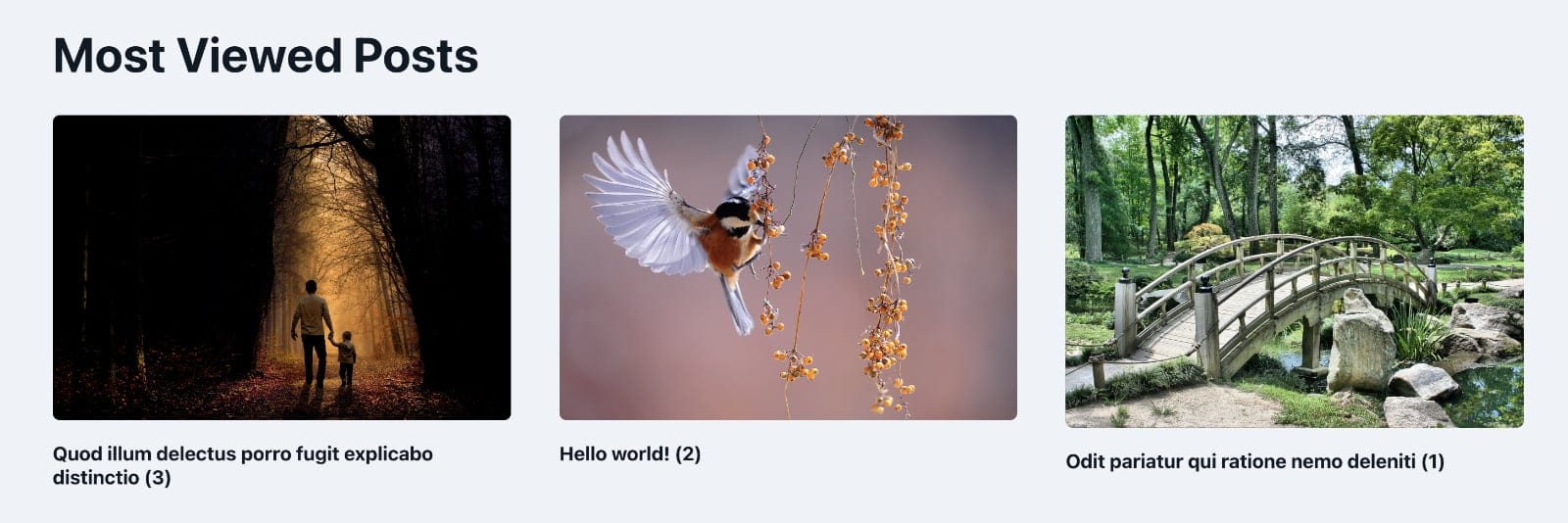
Looking to output the most viewed posts in your Bricks site in a query loop?
This Pro tutorial shows how.
Install and activate the free Post Views Counter plugin.
Select post types for which post views will be counted in the plugin’s settings. It is enable for post by default.
In the Bricks editor, set up a query loop on a Block element, enable the PHP query editor in the query popup and paste:
return [
	'post_type' => 'post',
	'posts_per_page' => 3,
	'no_found_rows' => true,
	// required by PVC
	'suppress_filters' => false,
	'orderby' => 'post_views',
	'fields' => ''
];
Adjust the post type and posts per page as needed.
To output the number of views, use this dynamic data tag:
{echo:pvc_get_post_views}

Sample Section JSON (ACSS variables were used).
If you would like to output an unordered list of post title links using the plugin’s function, use:
{echo:pvc_most_viewed_posts}
