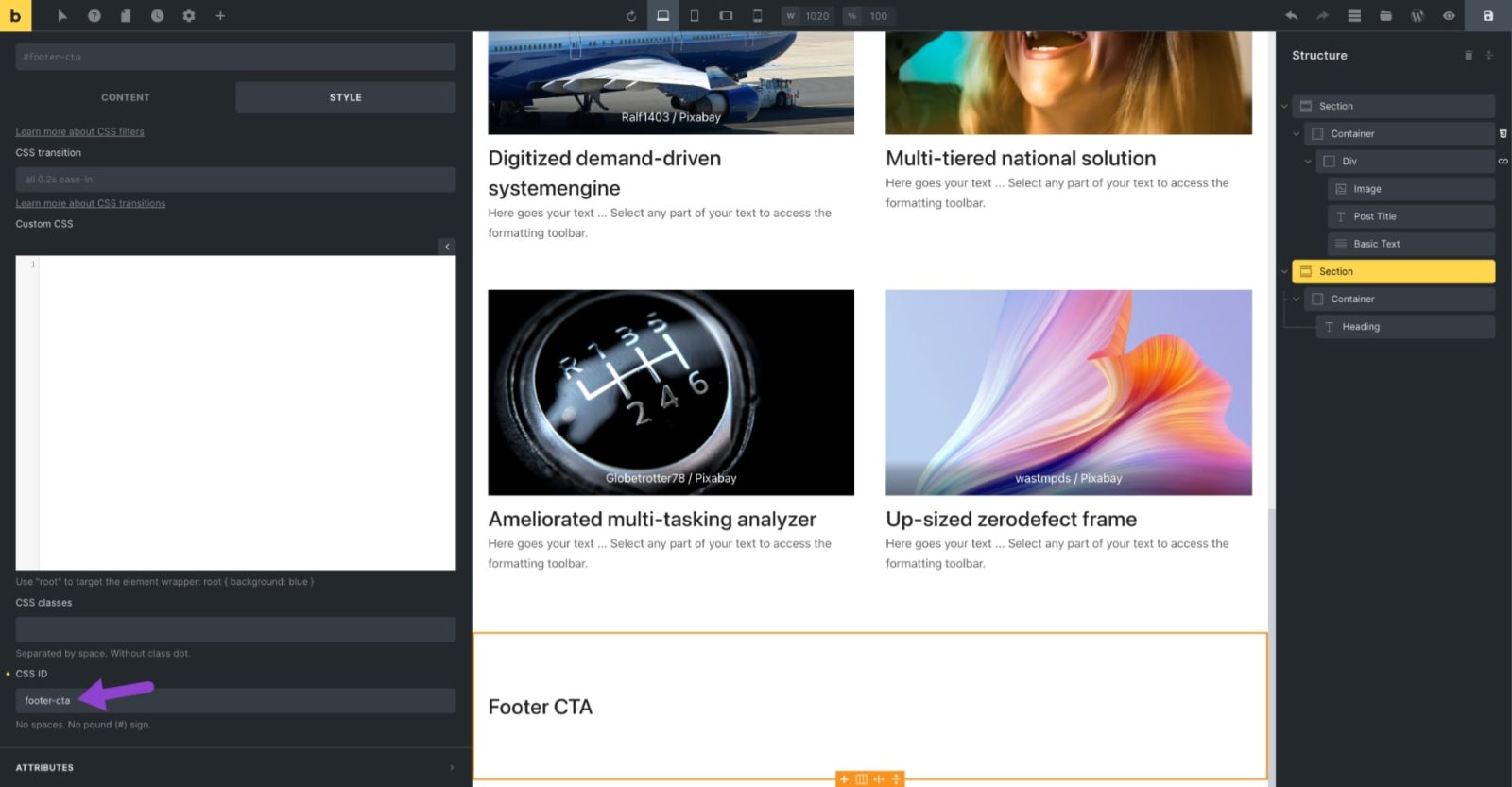
This tutorial provides the steps to use Bricks‘ bricks/element/render filter to conditionally output an element that has the specified HTML ID based on the value of a specific custom field of the current post when viewing a singular page.
In this example, we shall use ACF to create a field group attached to Pages that has a single True / False type of field – hide_footer_cta and set a Section whose HTML ID is footer-cta to be output only on Pages for which that field has been set to false.


When Hide Footer CTA has been turned on i.e., set to Yes, the Section should not be rendered.
Here’s the code for this to be added in child theme’s functions.php or a code snippets plugin like WPCodeBox:
// Render an element with "footer-cta" HTML ID if the specified condition is true.
// Condition: The value of a custom field "hide_footer_cta" is false.
add_filter( 'bricks/element/render', function( $render, $element ) {
	// Get the element HTML ID
	$html_id = ! empty( $element->attributes['_root']['id'] ) ? $element->attributes['_root']['id'] : false;

	if ( 'footer-cta' === $html_id ) {
		return ! get_post_meta( $element->post_id, 'hide_footer_cta', true );
	}

	return $render;
}, 10, 2 );