In the BricksLabs Facebook group a user asks:
I am looking for a solution where I can randomly choose a given number of posts (e.g., 6) with a specific meta value (e.g., featured) and then order by the title (ascending).
This Pro tutorial provides the steps to use the PHP query editor of Bricks to output x number of random posts in ascending order of post titles that each have a featured post meta value set to true (1).
Step 1
Using a plugin like ACF or Meta Box or otherwise, set up a boolean (true/false) post meta named say, featured.
Edit the selected posts of your desired post type and mark them as featured.
Step 2
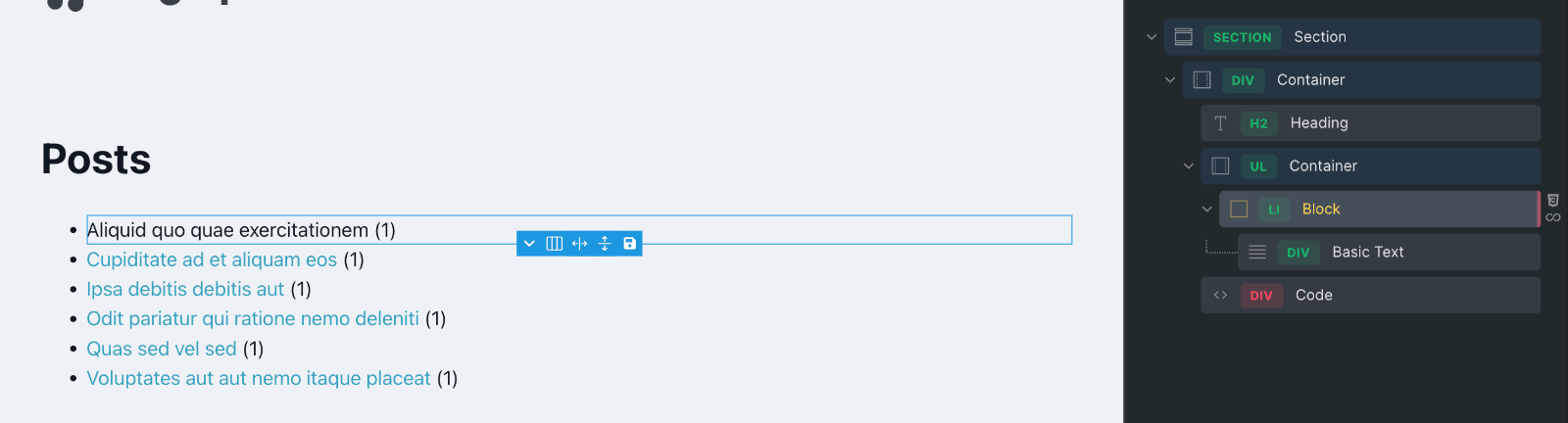
Set up a query loop on a Block in Bricks.
Enable “Query editor (PHP)”.
Paste:
// 6 random posts that each have 'featured' post meta on
$args = [
  'post_type' => 'post', // change to your custom post type if necessary
  'posts_per_page' => 6,
  'no_found_rows' => true,
  'orderby' => 'rand',
  'meta_query' => [
    [
      'key' => 'featured', // change this to your actual meta key
      'value' => 1
    ]
  ]
];

$query = new WP_Query( $args );

// posts array
$posts_array = $query->posts;

// sort the array in ascending order of title
usort( $posts_array, function ( $a, $b ) {
   return strcmp( $a->post_title, $b->post_title );
} );

return [
  'post_type' => 'post', // change to your custom post type if necessary
  'post__in' => wp_list_pluck( $posts_array, 'ID' ),
  'orderby' => 'post__in',
];
Click “Sign code”.
Save.
Check on the front end.
For every page load, you should see 6 featured posts in random order ordered by post titles alphabetically in ascending order.